New listing Just Listed
Introduce the property to the neighborhood as the listing goes live.
Turn new listings, closed sales, and open houses into branded postcard campaigns. Connect your listing feed and choose how campaigns launch: fully automatically, or manually by agents using issued credits or paying themselves.
Custom setup for brokerages.
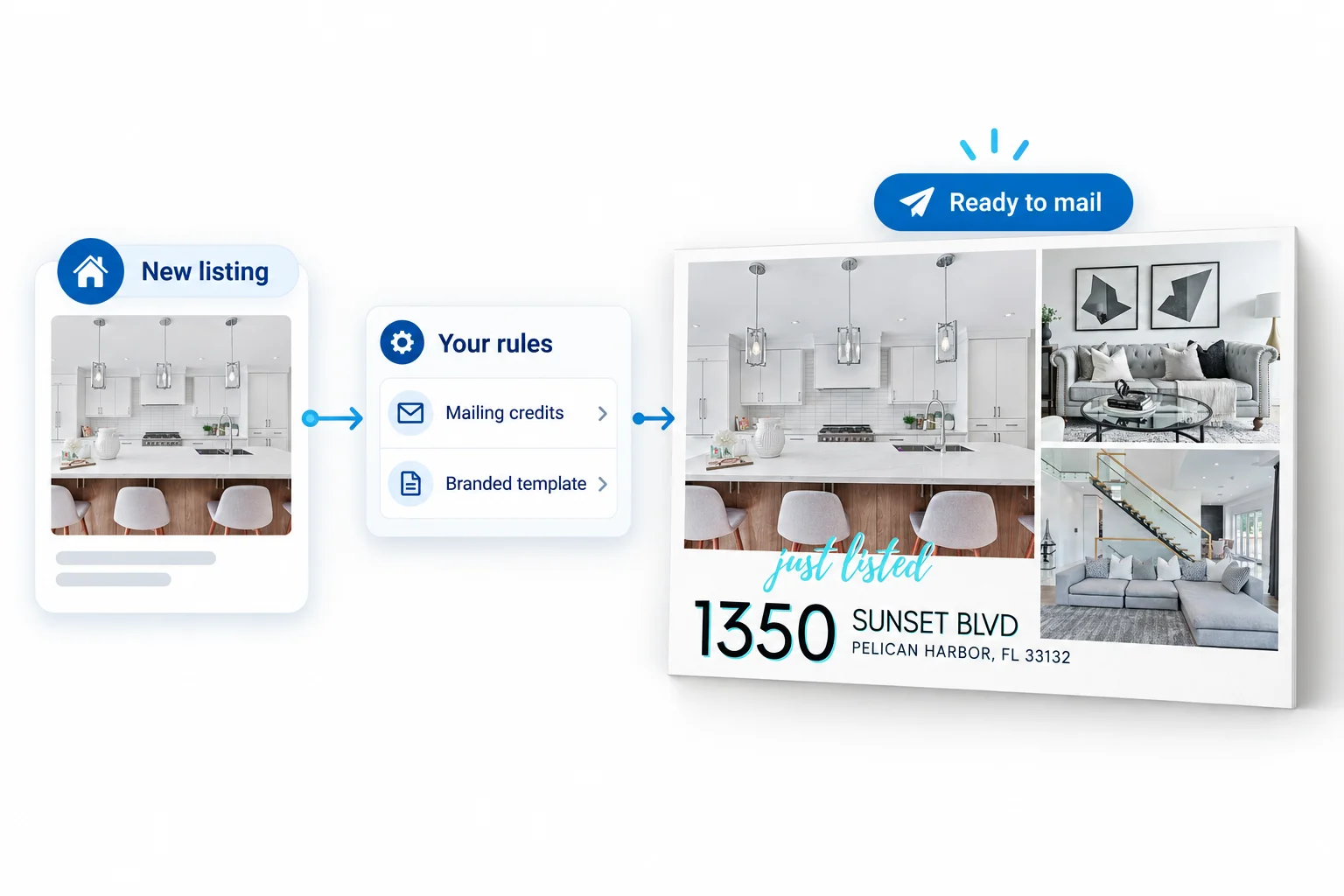
Connect campaign activity to listing events your brokerage already manages. Decide which events should launch mail and how the campaign should be prepared.
Introduce the property to the neighborhood as the listing goes live.
Share a completed transaction with the surrounding area.
Let nearby homeowners know about an upcoming open house.
Triggers and campaign behavior are configured in a custom brokerage setup.
Configure trigger marketing around your brokerage’s needs, including who launches each campaign and how agent-led mailings are paid for.
Campaigns launch automatically when the configured listing events and brokerage rules are met.
Agents manually launch campaigns by applying credits issued by your brokerage.
Agents manually launch campaigns and pay for the mailing themselves.
A new agent, an established team, and a premium listing may need different support. Configure campaign rules around the way your brokerage allocates its marketing resources.
Assign mailing credits to the agents and teams you want to support.
Choose templates or larger mailpiece formats for different listing tiers.
Use brokerage-specific templates so every campaign feels intentional.
Brokerage-specific templates give campaigns a consistent identity. Photos and listing details change; the visual standards stay recognizable across agents, teams, and neighborhoods.

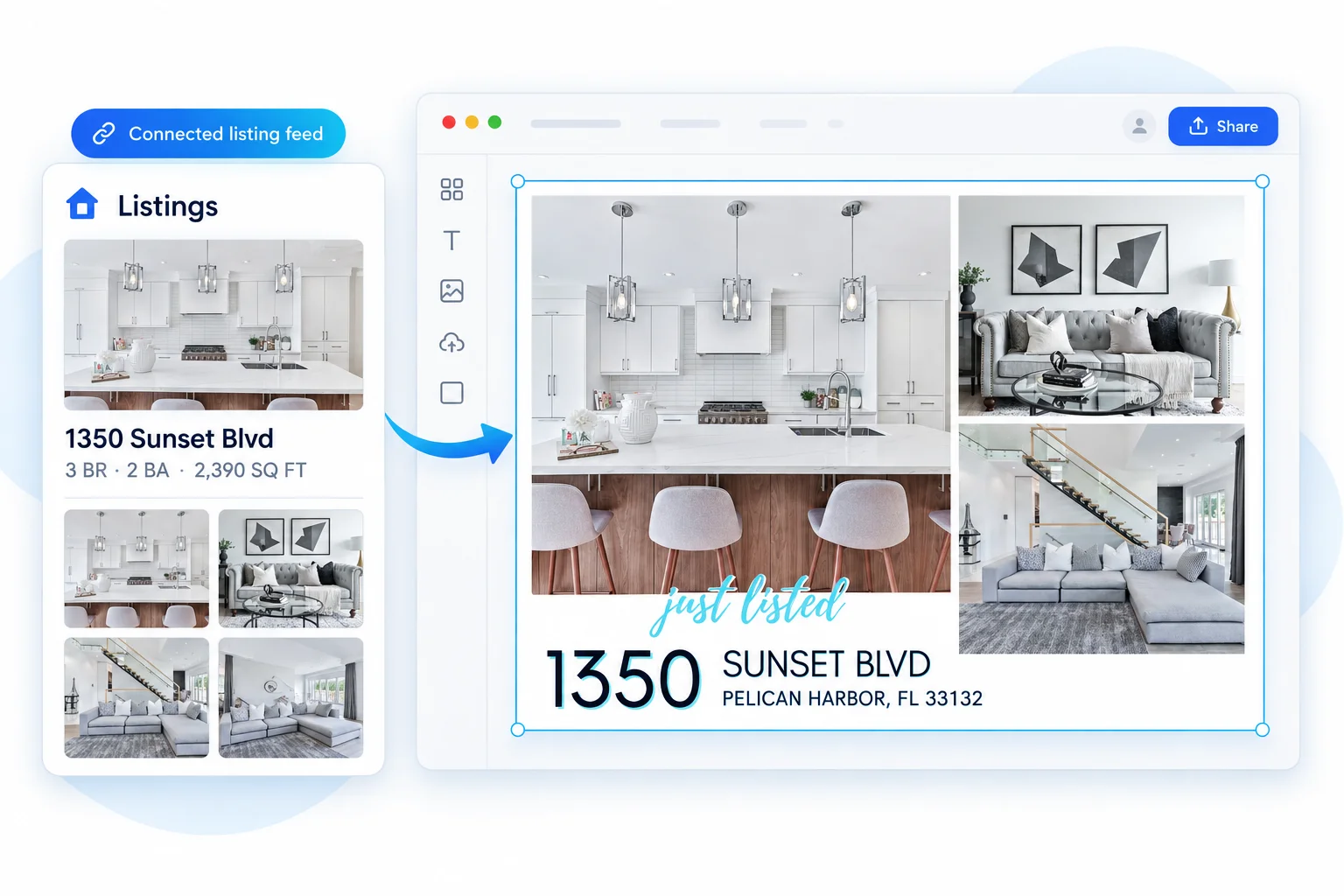
Connect your feed once. Listing photos and text appear in the Listings tab, ready to drop into your branded Canva templates. Agents can skip manually copying addresses, prices, and photos – even on free Canva accounts.
Requires a connected brokerage or MLS feed. Feed setup is arranged with your organization.
This is a custom setup for larger brokerages. We’ll discuss your listing feed, the events that matter, and the campaign rules your team needs.
Review the listing source and the events available in your feed.
Set campaign triggers, launch options, credit allocations, templates, and format rules.
Put the agreed workflow into operation for your agents and teams.
Custom setup for brokerages.