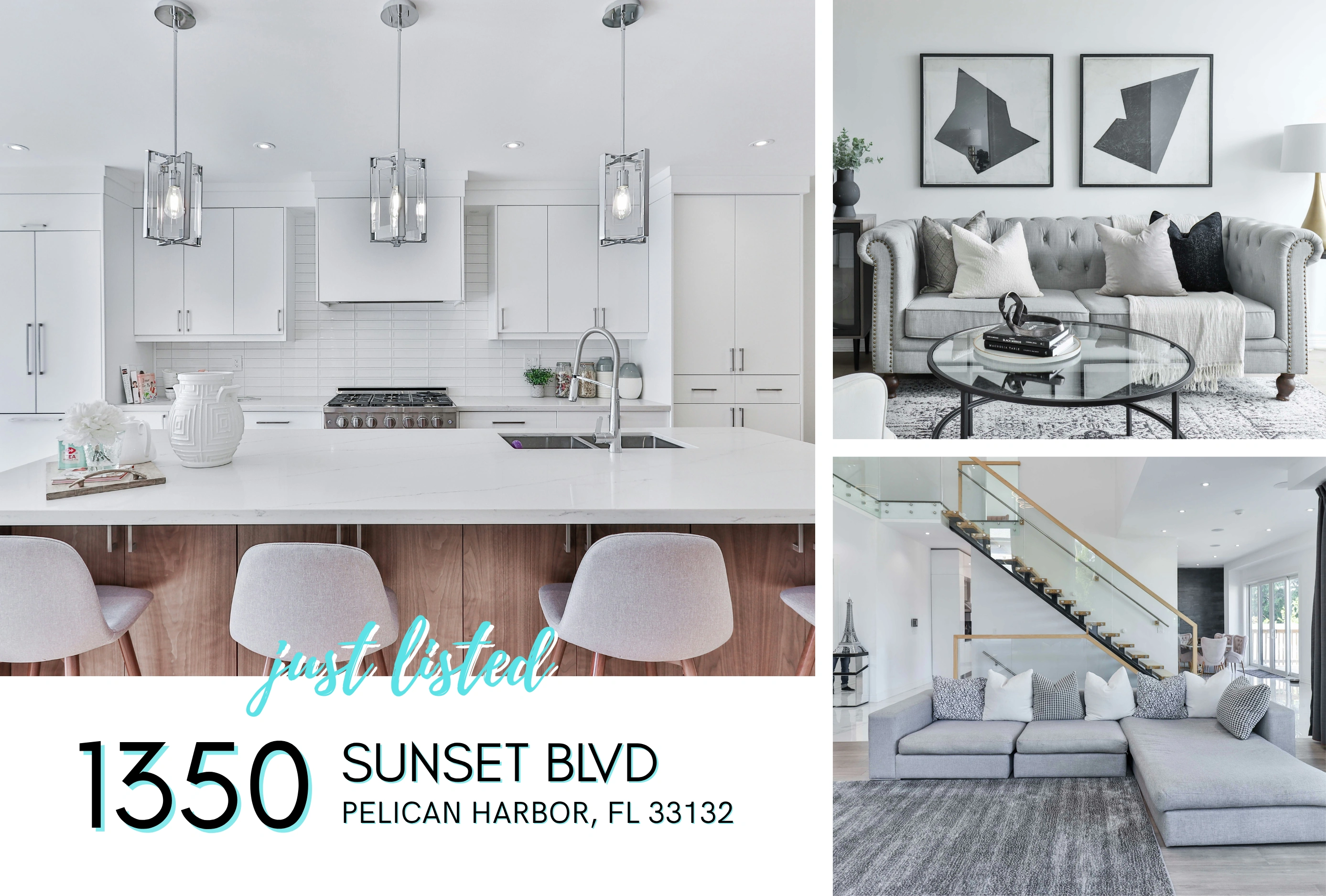
Design
Choose a template below. In Canva, use the RealMailers app to add your listing details and photos, then send the design to RealMailers.
Put your member access to work. Start with a postcard template, bring in your connected MLS listing details through Canva, and choose the homes you want to reach. RealMailers handles printing and mailing.
Open RealMailers through your participating MLS or association. If you arrived from your member dashboard, you’re ready to get started.
Start with the listing you want to promote. Build the campaign around it.
Choose a template below. In Canva, use the RealMailers app to add your listing details and photos, then send the design to RealMailers.
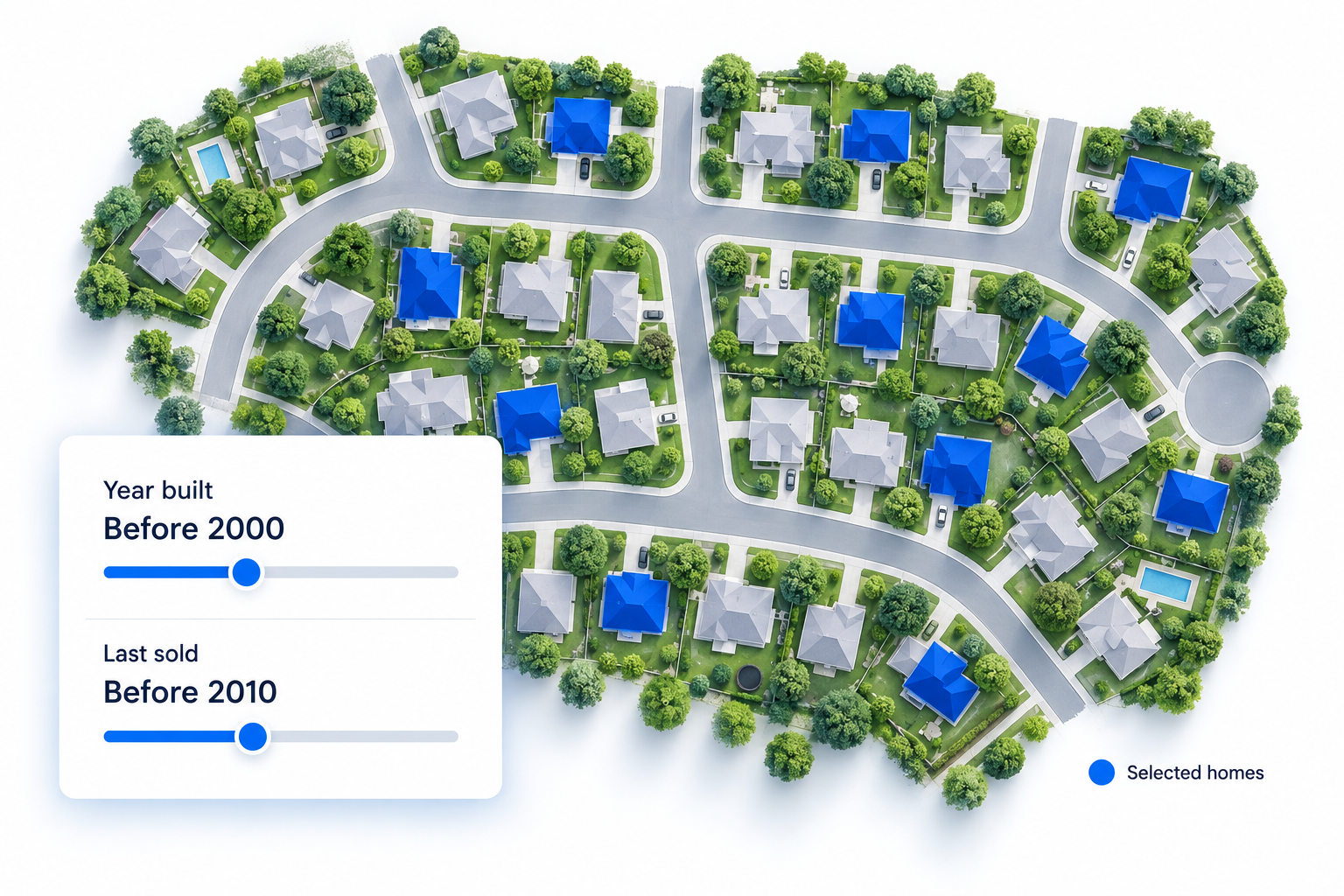
Draw the neighborhood around your listing. Use property filters to select relevant homes, or upload your own mailing list.
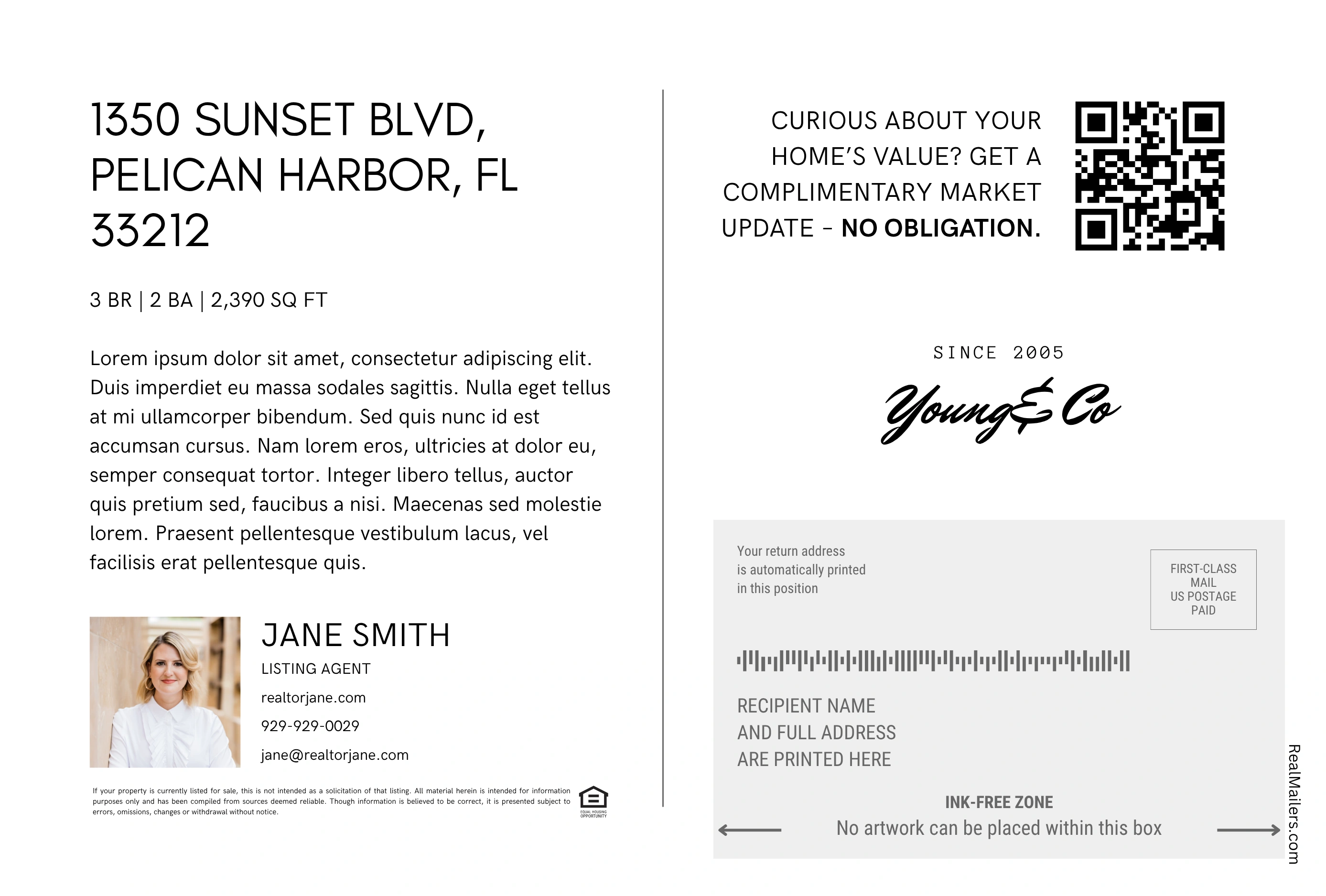
Check your design, audience, and total. Pay to launch your campaign. We print, address, and mail your postcards.
Watch the walkthrough, then use your connected listing photos and details to create a postcard in Canva.
In Canva, open Apps → RealMailers → Listings and select your connected MLS listing.
Use Auto Fill on each side of the postcard to populate listing text and agent details. Place your listing photos into the image frames.
Use the Send tab in the Canva app. Continue in RealMailers to choose your audience and launch your mailing.
Listing availability depends on your organization’s connected feed.
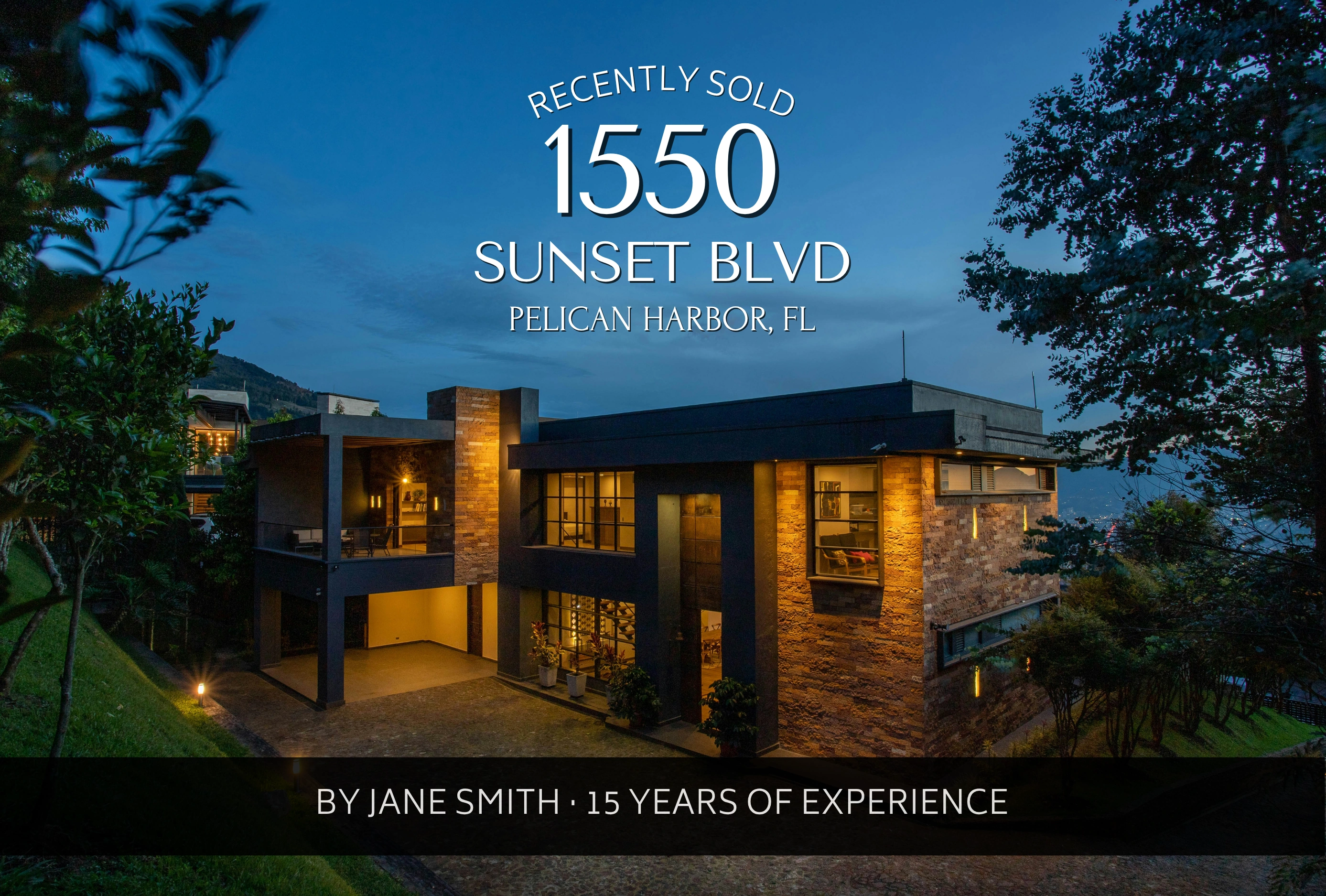
Click a template below to open a personal copy in Canva. Use your listing photography and branding to make it your own.
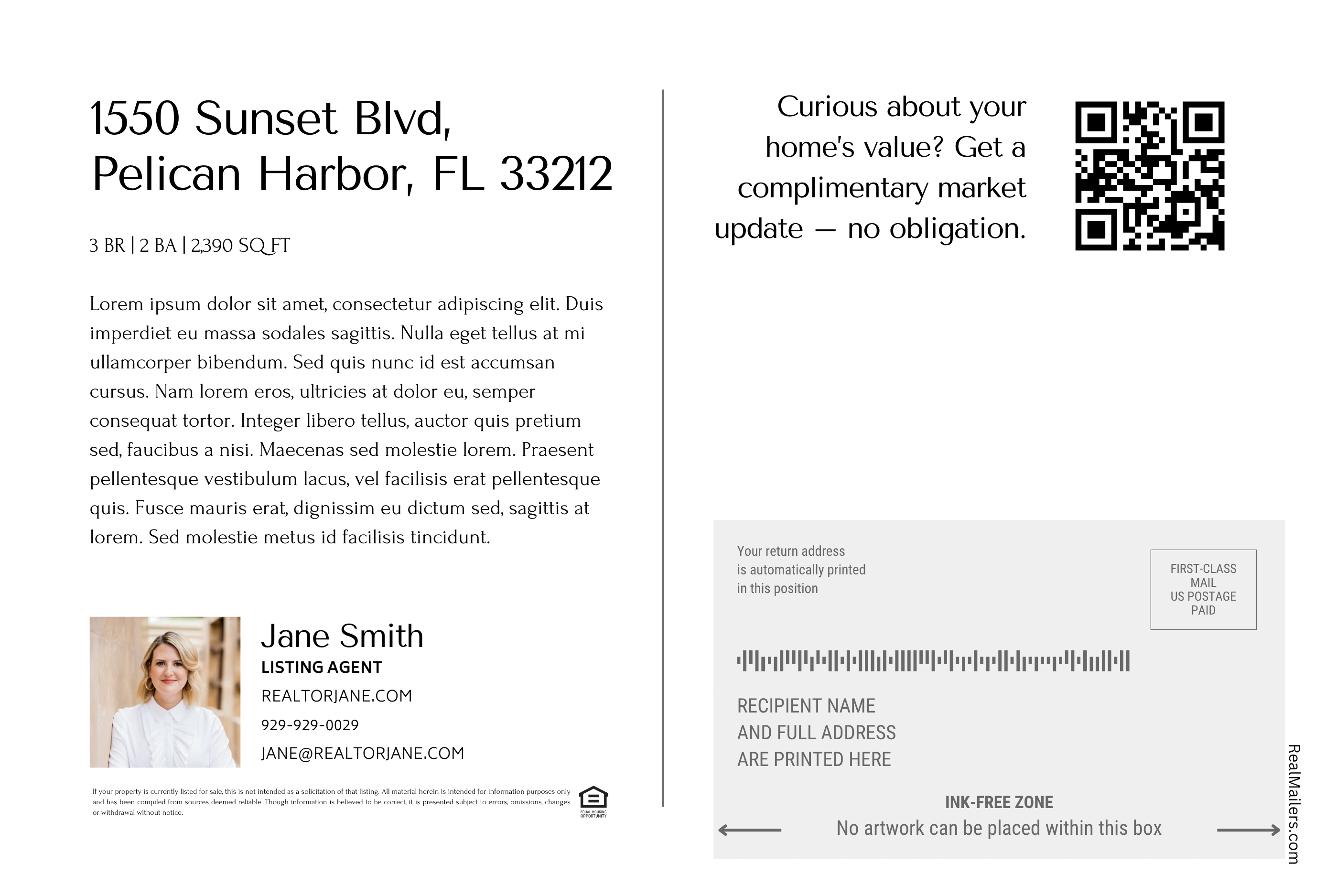

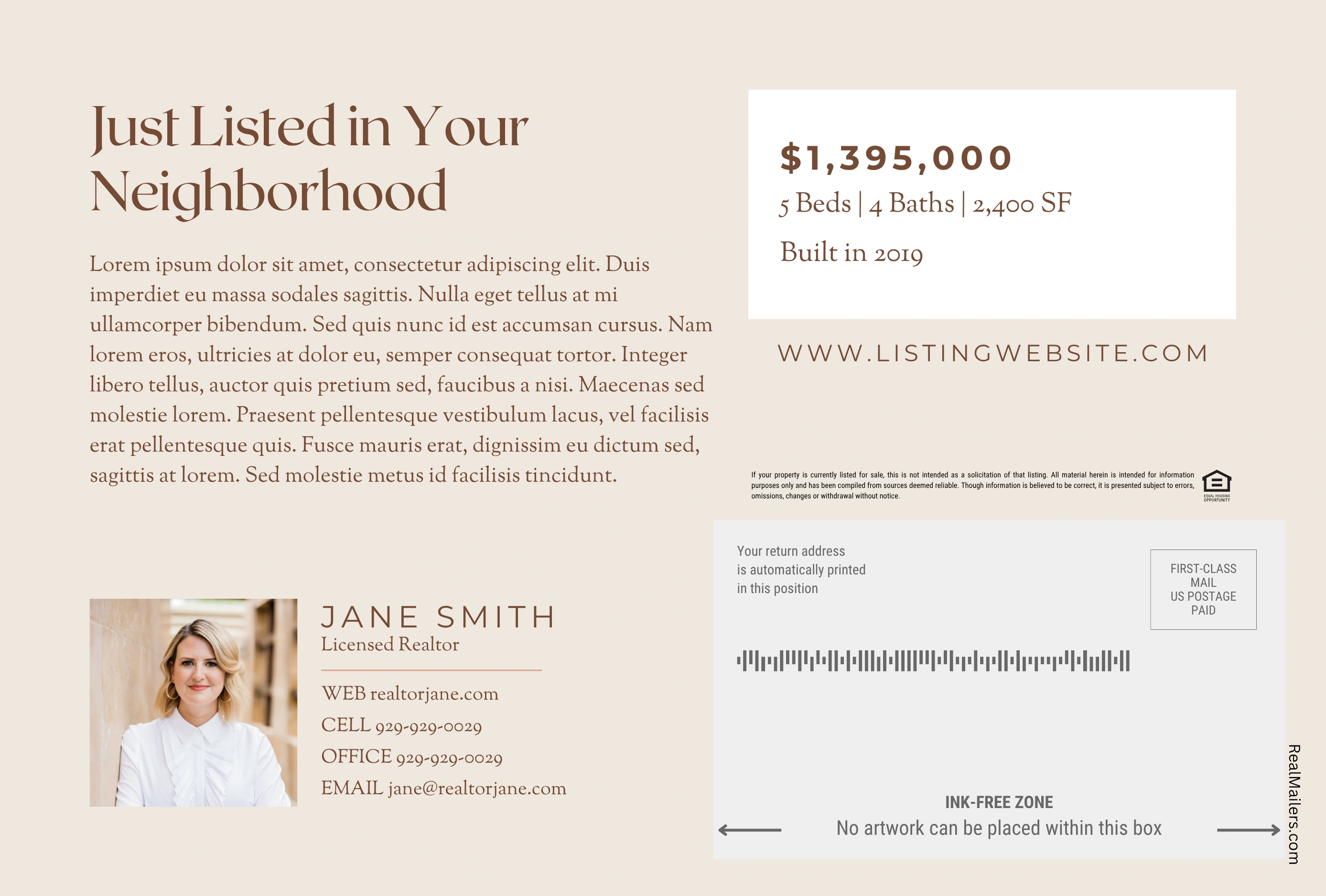
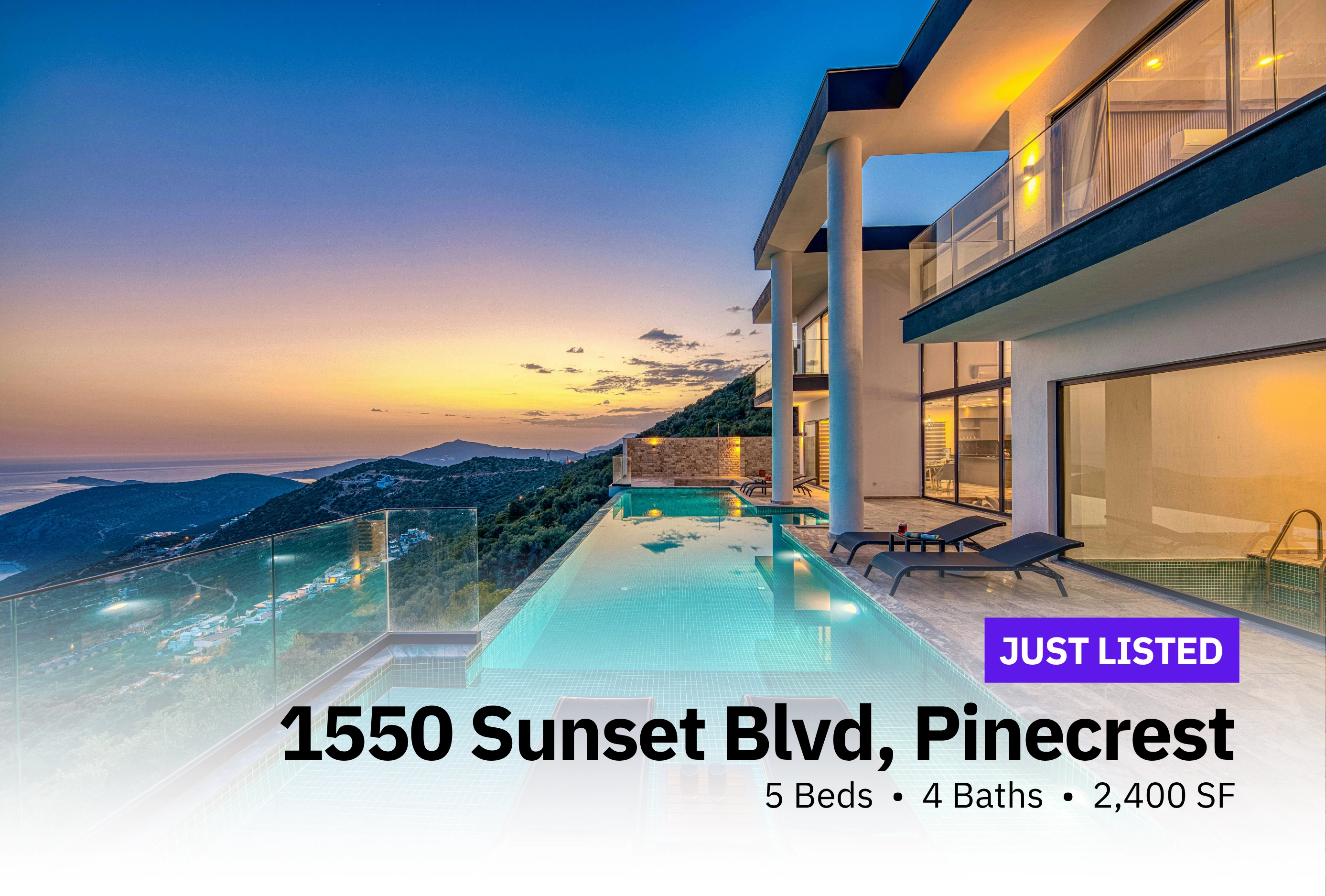
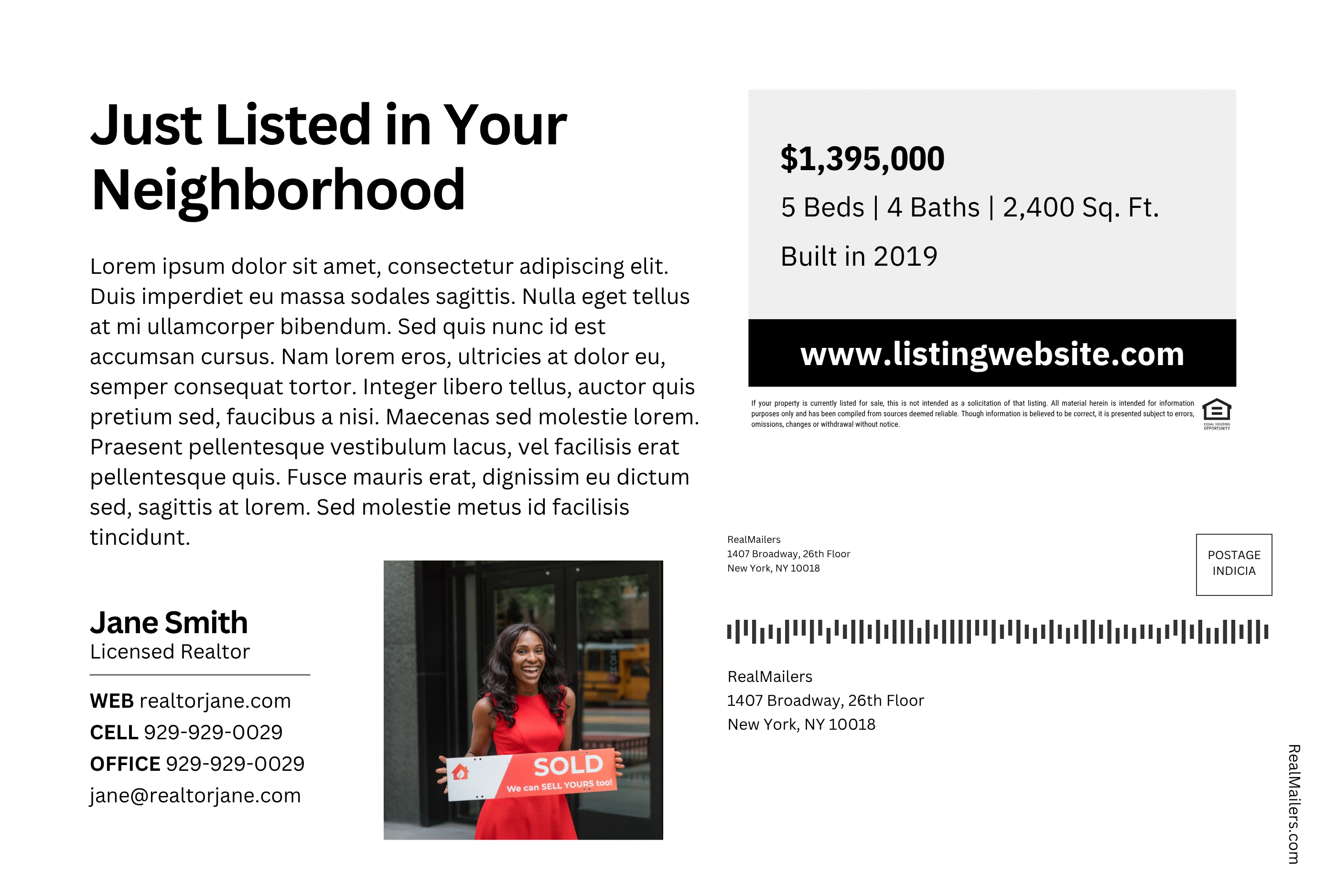

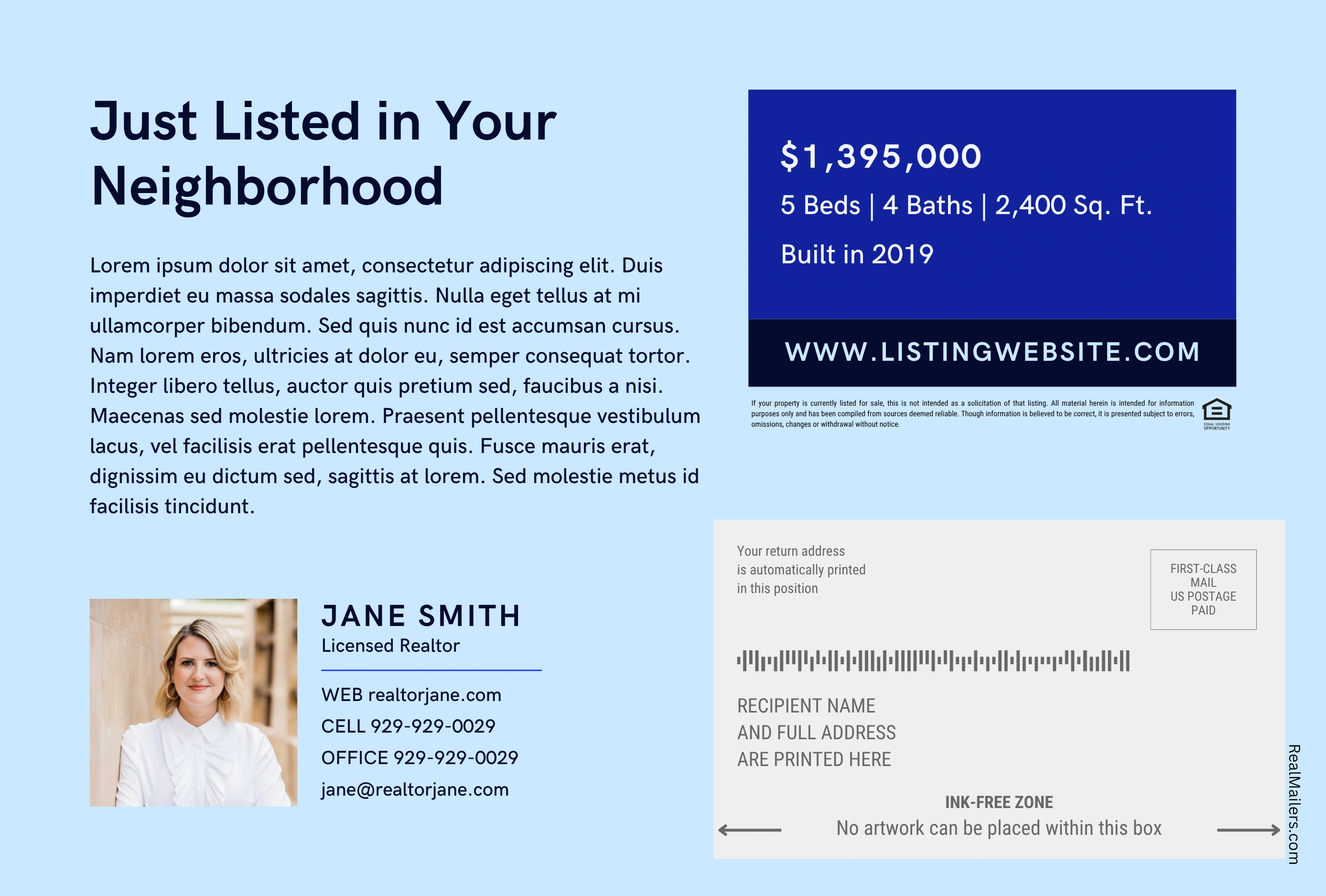
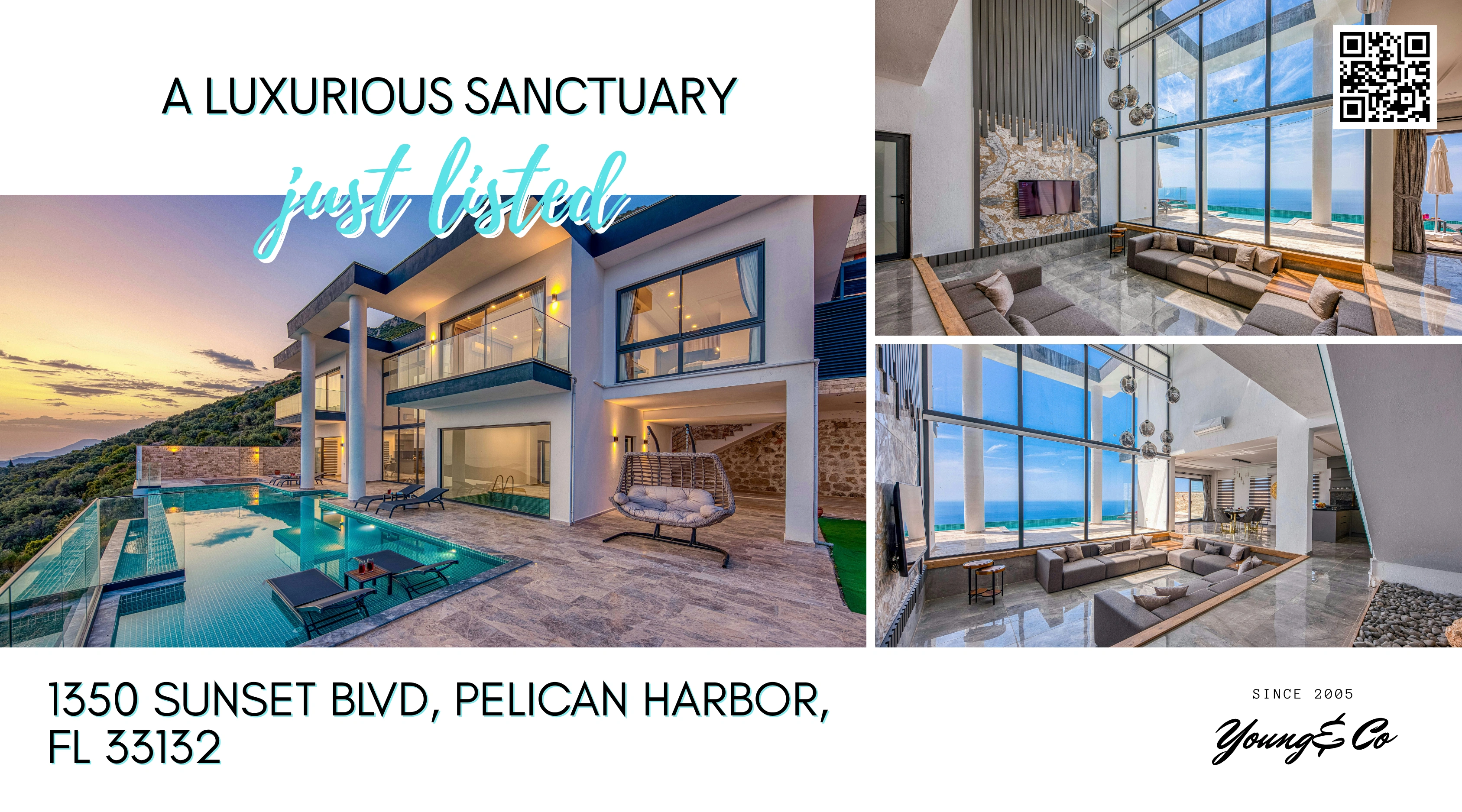
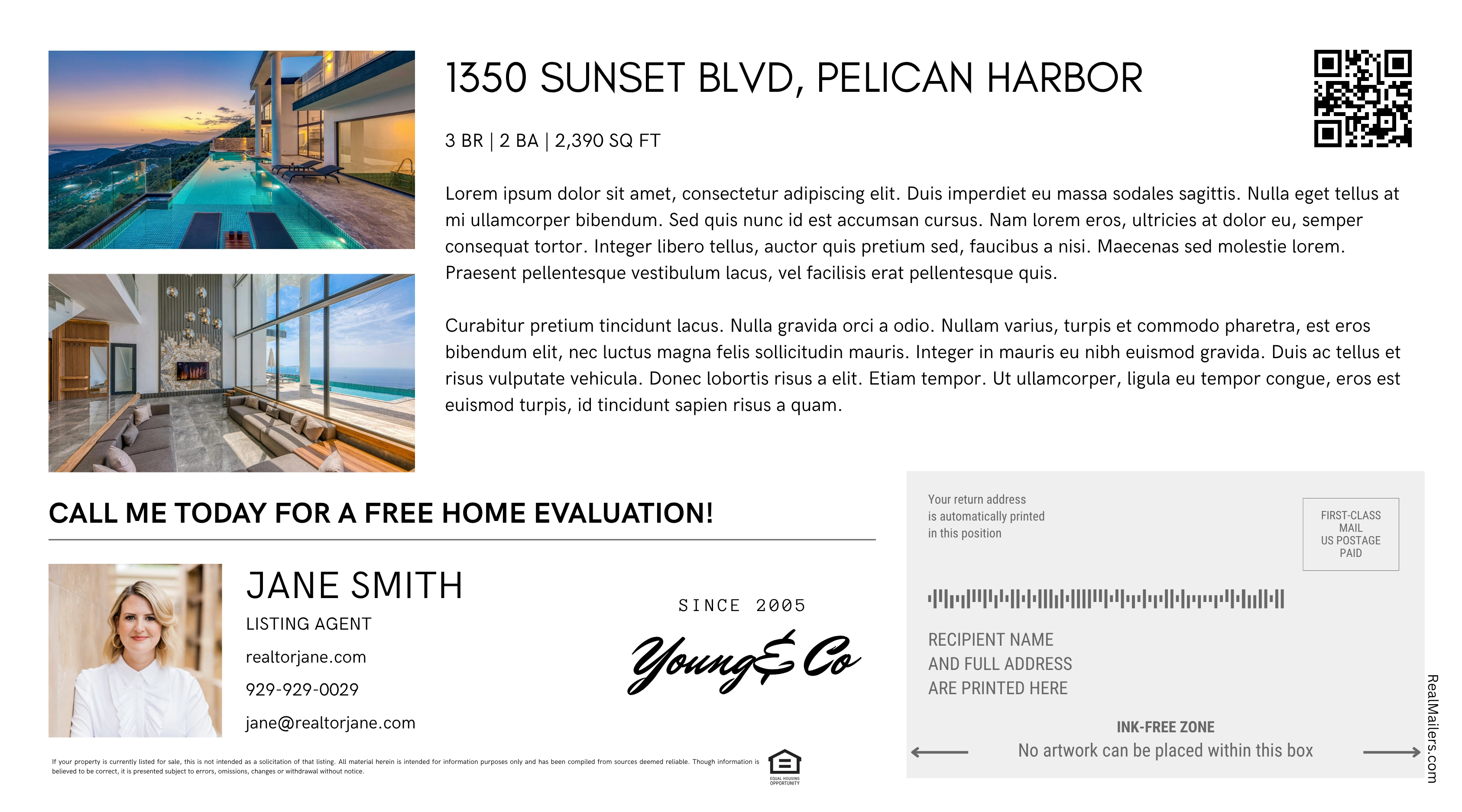
The RealMailers Canva app does not require Pro. Mailing charges are separate.
Draw a boundary around the area you want to reach. Refine it by property type, bedrooms, year built, or last sold. Promote a new listing, share a recent sale, or stay visible in the neighborhood you serve.
Choose the entry point available through your participating MLS or association. Use the campaign walkthrough on this page to design, target, and send.
Select RealMailers in your MLS or association dashboard. A configured SSO connection creates your account on first use and signs you in on return visits.
Use the standard Send Postcards workflow to open RealMailers.
Open the listing details view and select the RealMailers icon.
Available entry points and listing data depend on your organization’s configuration. If you cannot find RealMailers, contact your MLS or association for access guidance.
Member access, design, and mailing explained.
If your organization provides single sign-on, open RealMailers from its dashboard. That connection creates your account on first use and signs you in on return visits. Available access options depend on your MLS or association.
No. The RealMailers Canva app does not require Pro. Pro is optional and includes recipient-level QR reporting and other additional features.
You pay when you launch a mailing. The mailing price includes targeting, address lists, printing, and postage. Check the total before paying.
Open the RealMailers app’s Listings tab in Canva. Listing availability depends on your organization’s connected feed. Contact support if your expected listing is missing.
First-Class Mail delivery is estimated at 4–6 business days from campaign launch and payment, based on historical USPS timelines. It is not a guaranteed delivery date.
Open RealMailers through your participating MLS or association. If you arrived from your member dashboard, you’re ready to get started.