
Design
Start with a template, upload your artwork, or connect Canva. Make your message your own and preview both sides.
Design your postcard. Choose the homes you want to reach. Send your campaign. RealMailers handles the address list, printing, and postage, with QR reporting to help you see what happens next.
Free account. Pay for the mail you send. No minimum order.
From a listing announcement to a local service offer, everything you need is in one place.
Start with a template, upload your artwork, or connect Canva. Make your message your own and preview both sides.
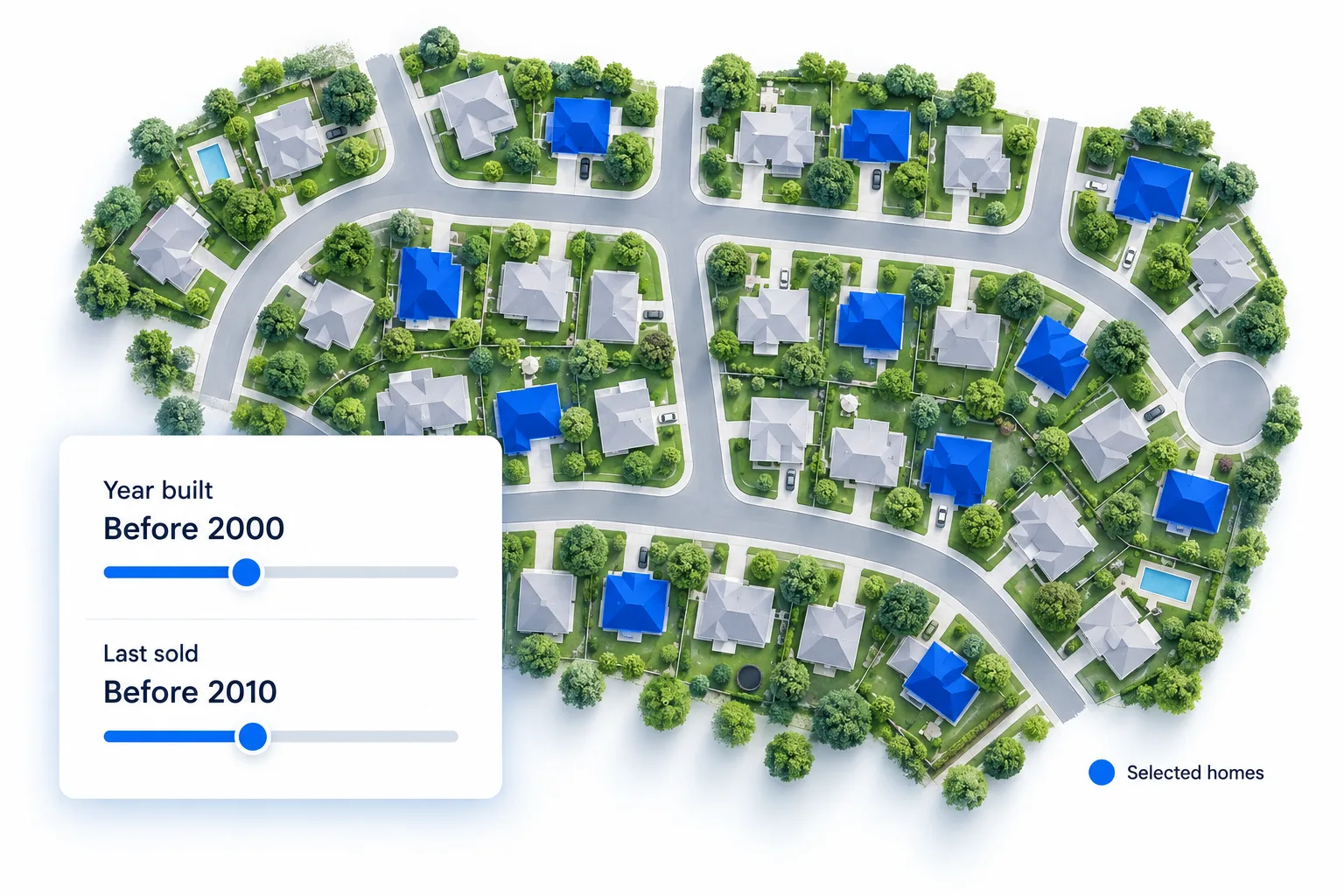
Draw your neighborhood or choose a radius. Filter individual homes by property details, or upload your own mailing list.
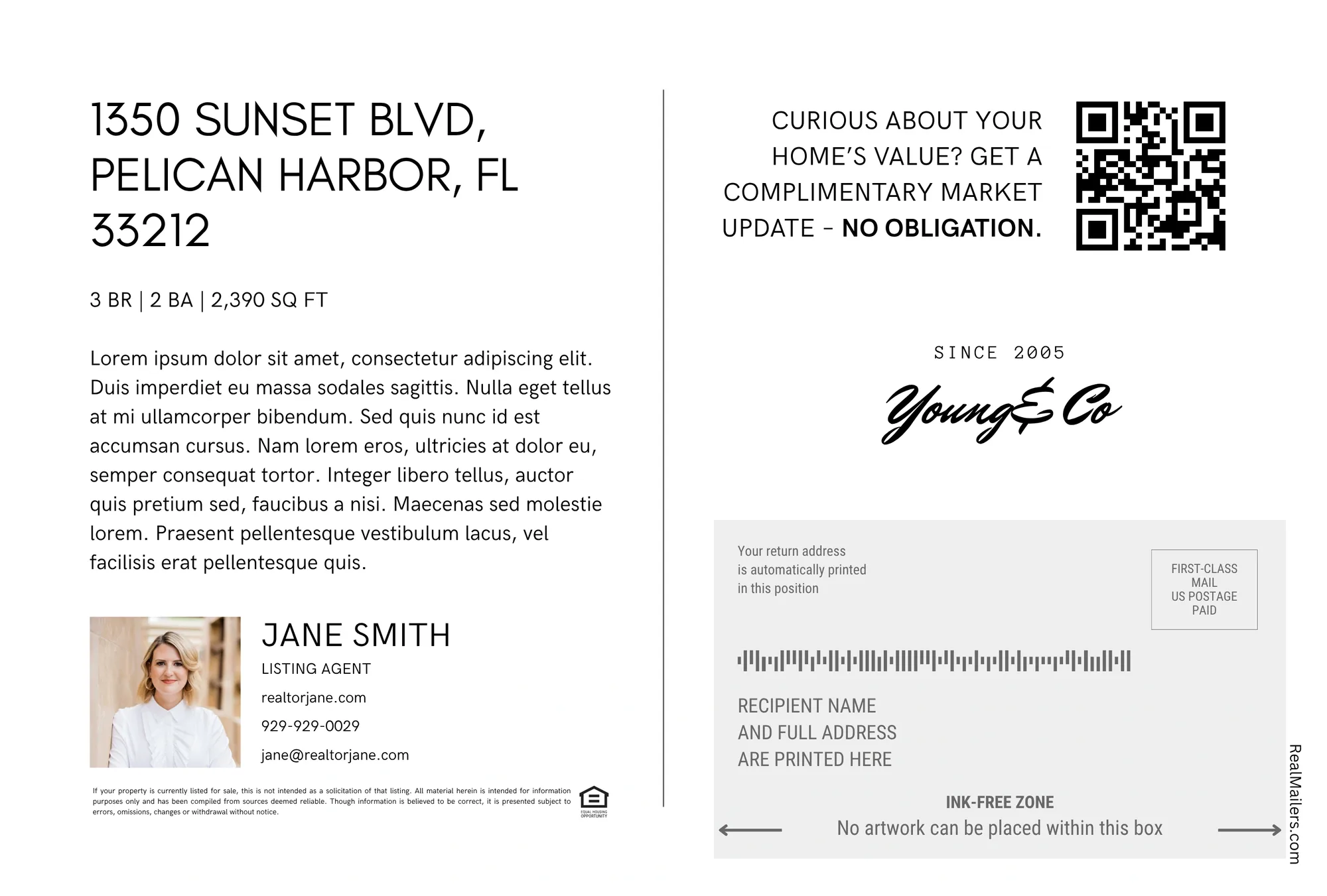
Confirm your campaign and pay to launch. RealMailers prepares the address list, prints your postcards, and mails them through USPS.
Set your geographic area first. Then use details such as property type, bedrooms, square footage, year built, and last sale to refine the audience. Your own uploaded list is another starting point.
RealMailers brings audience selection, address lists, printing, and postage into one mailing workflow. Review your campaign, launch it, and we handle production and mailing.
Estimated First-Class Mail delivery: 4–6 business days from campaign launch and payment, based on historical USPS timelines. Delivery dates are not guaranteed.
Track QR-code response by campaign. With RealMailers Pro, see reporting for individual recipients, so you can identify which mailed households engaged and focus your follow-up.
See QR engagement from your mailing in one place.
With Pro, connect scans to individual mail recipients.
Use the response to prioritize follow-up and refine your next audience.
Recipient-level QR reporting requires RealMailers Pro. A scan indicates engagement with the mailed QR code, not a confirmed sale or the identity of the person who scanned it.
Add the tools that fit your workflow as your mailing needs grow.
Prepare seasonal campaigns in advance. Scheduled sends are available on both Free and Pro.
Use recipient-level QR reporting with Pro to identify engaged households and plan your next conversation.
Brokerages can connect a listing feed and configure custom triggers and campaign rules.