Design
Use your familiar Canva tools and branded templates.
Already creating in Canva? Keep the tools you know. Bring your design into RealMailers to choose the audience, print, and mail – and use a connected listing feed to take the retyping out of real estate postcards.
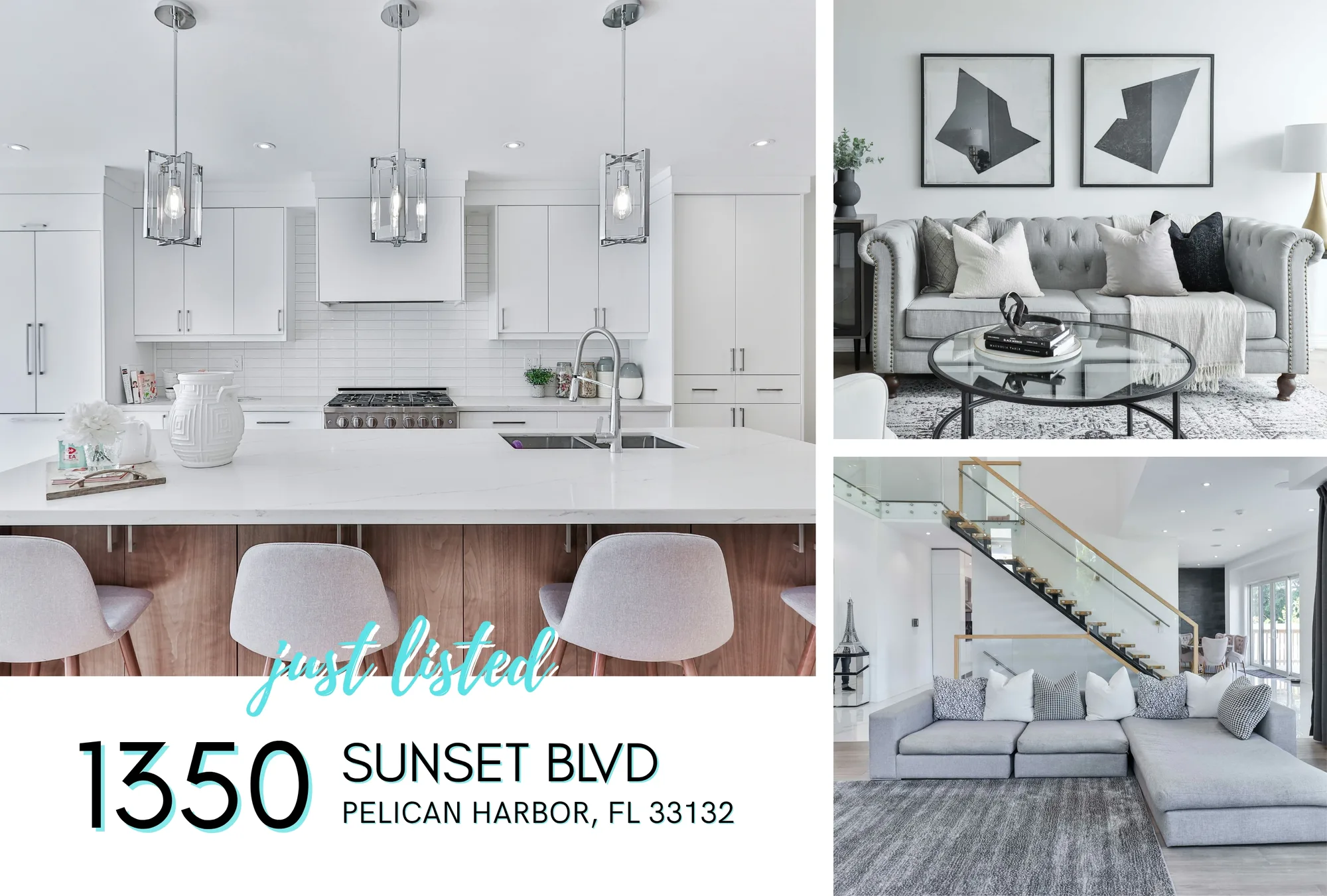
Start in RealMailers or Canva. Your design comes with you.
Bring your Canva artwork into a campaign you’re already creating.
Next: choose your audience in RealMailers, then print and mail.
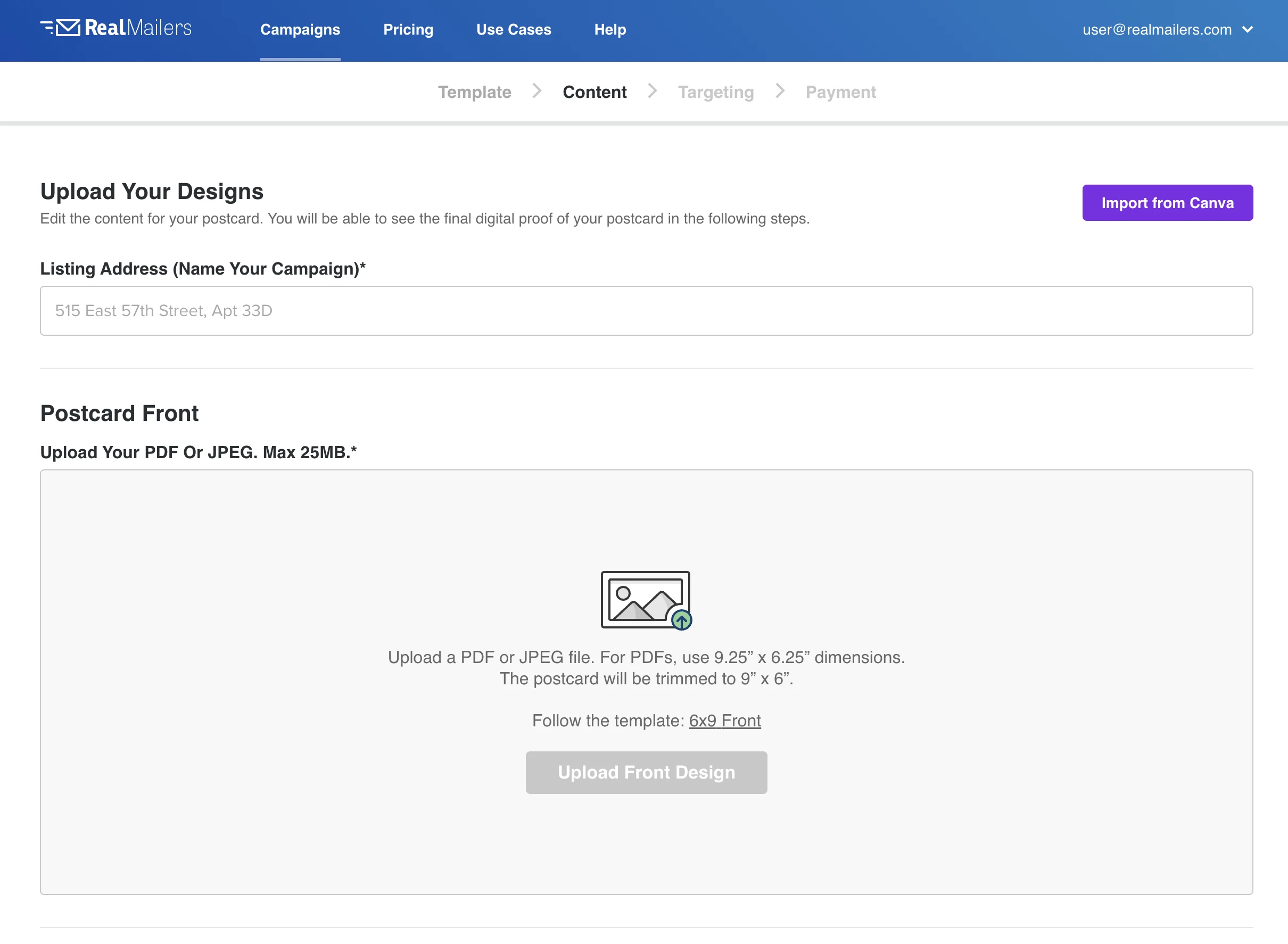
In your campaign’s Content step, select Import from Canva.
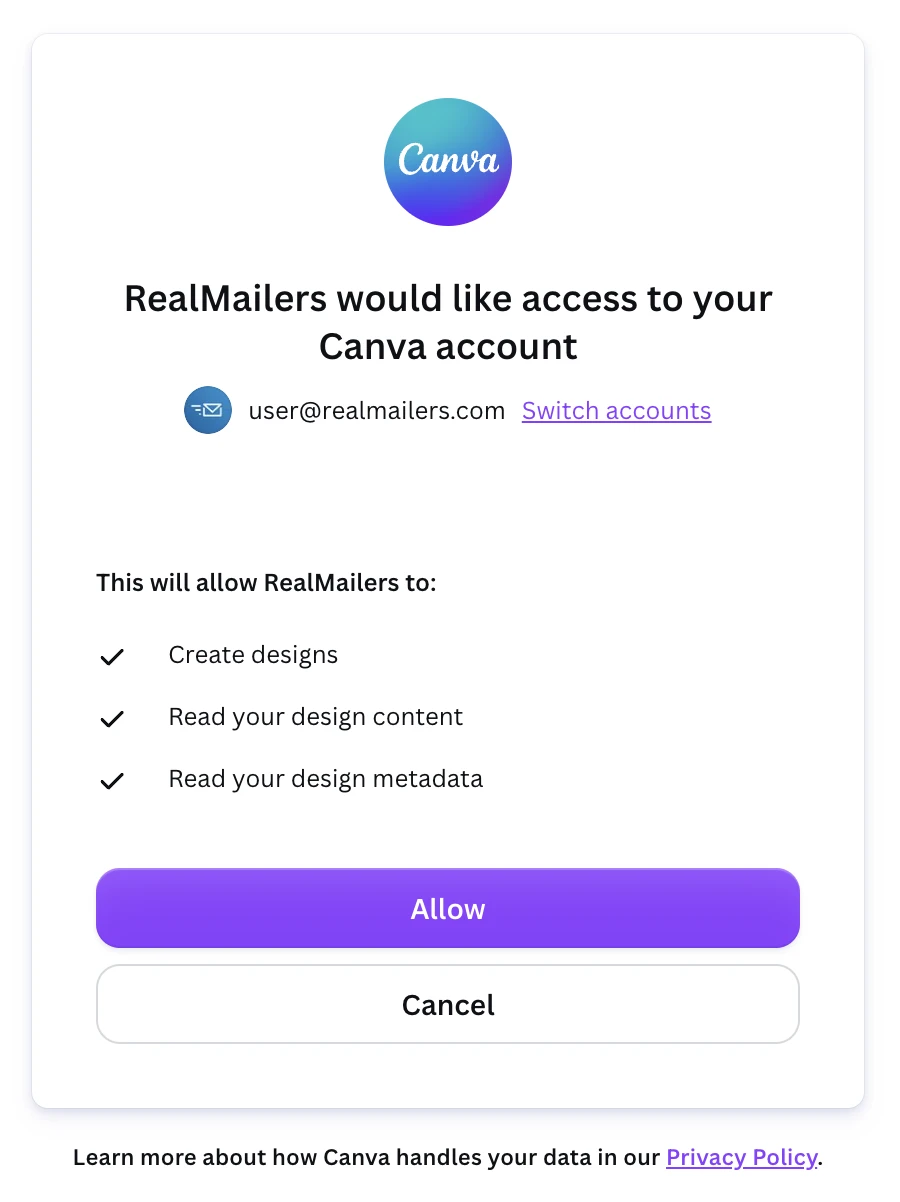
Review Canva’s permissions and select Allow to connect your account when prompted.
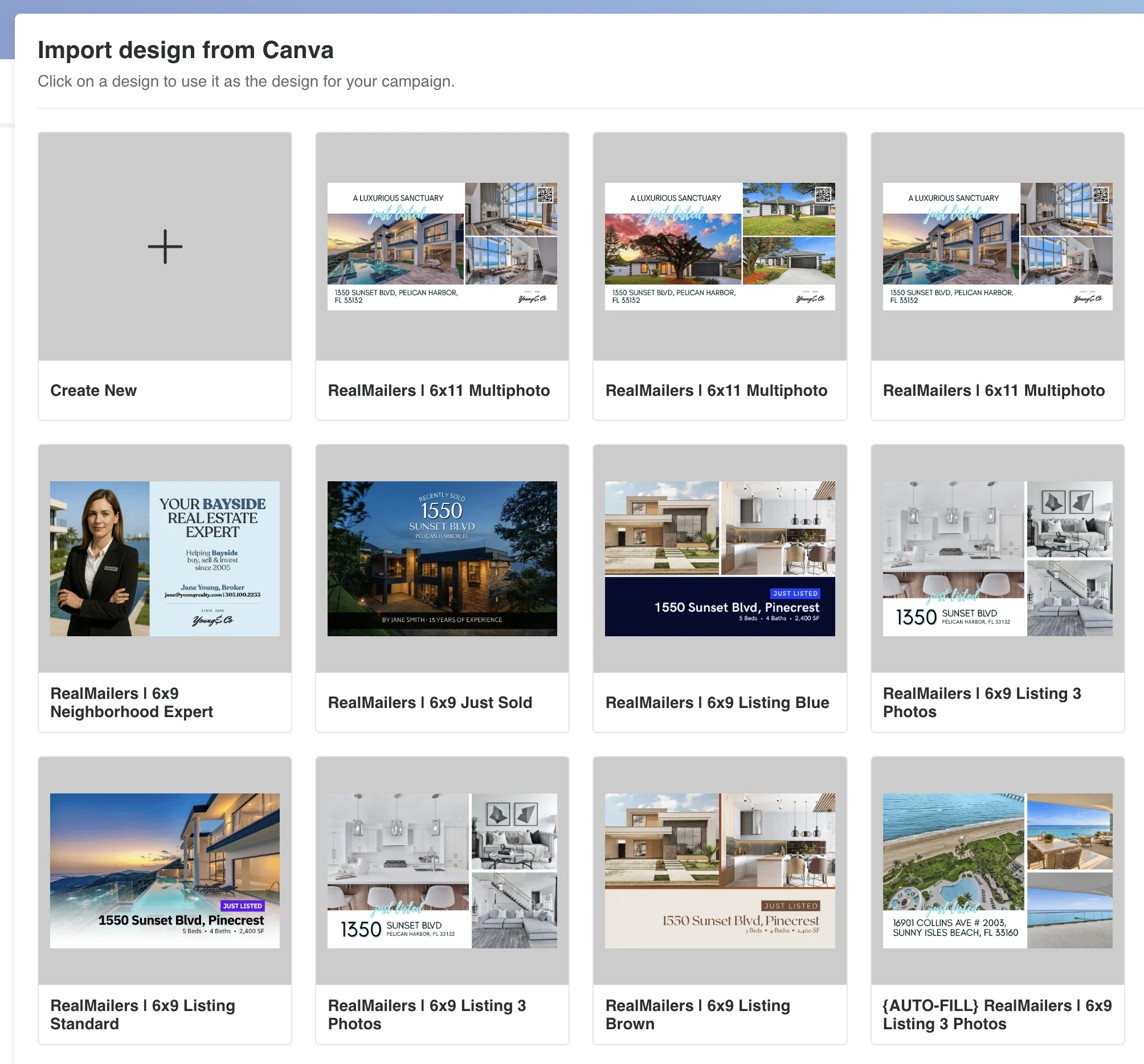
Select an existing Canva design from the gallery to use in your campaign.
Use the RealMailers app in Canva, or send a finished design directly from Canva’s Publisher menu.
Next: choose your audience in RealMailers, then print and mail.
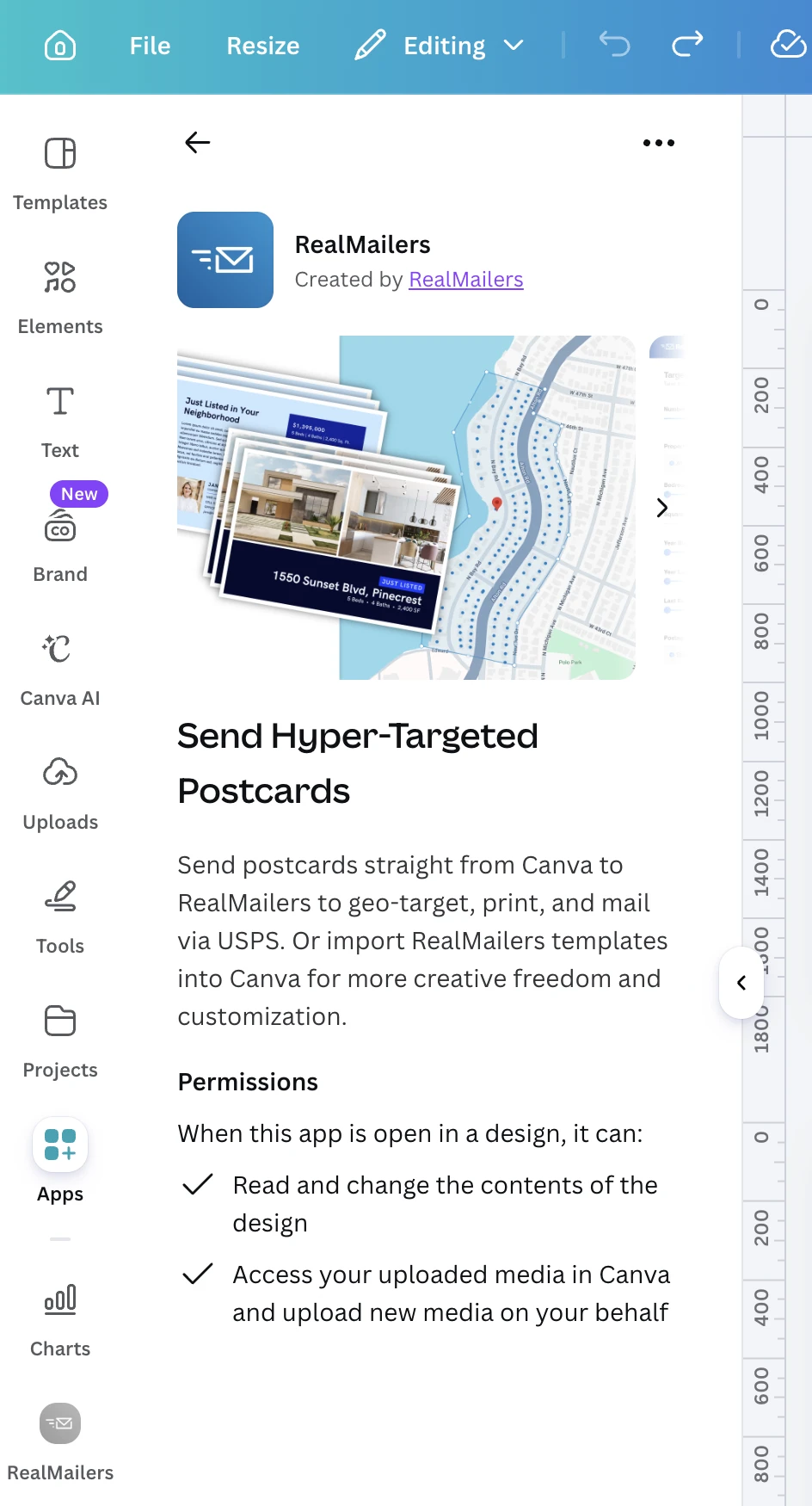
Open Canva’s Apps panel, search for RealMailers, and open the app.
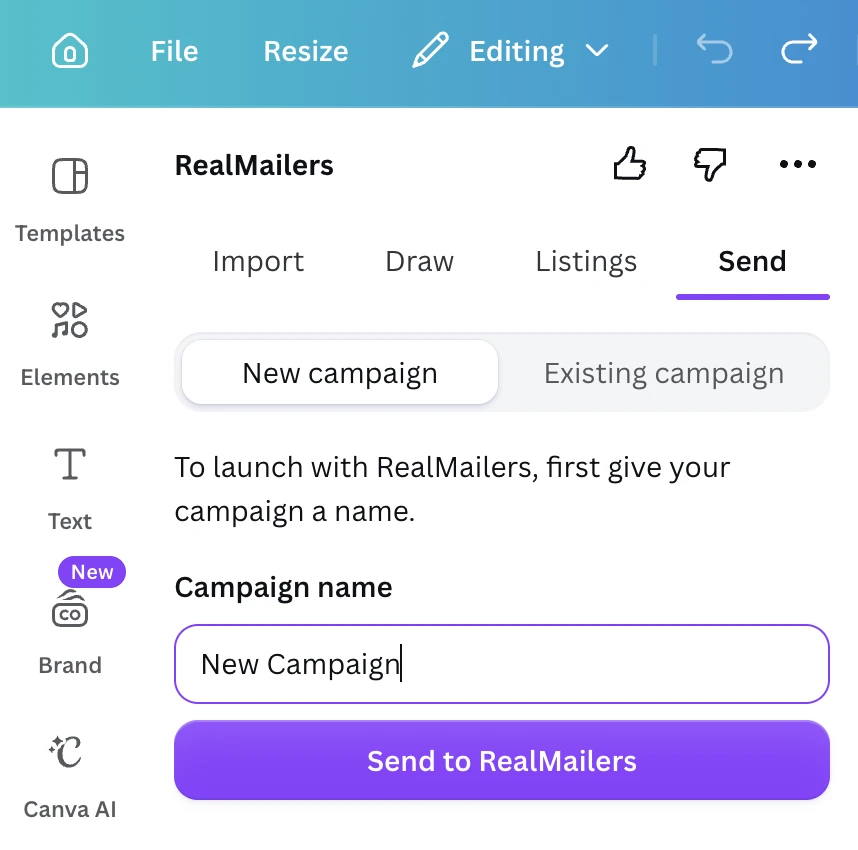
In the RealMailers app’s Send tab, choose New campaign, enter a campaign name, and select Send to RealMailers. You can also choose an existing campaign.
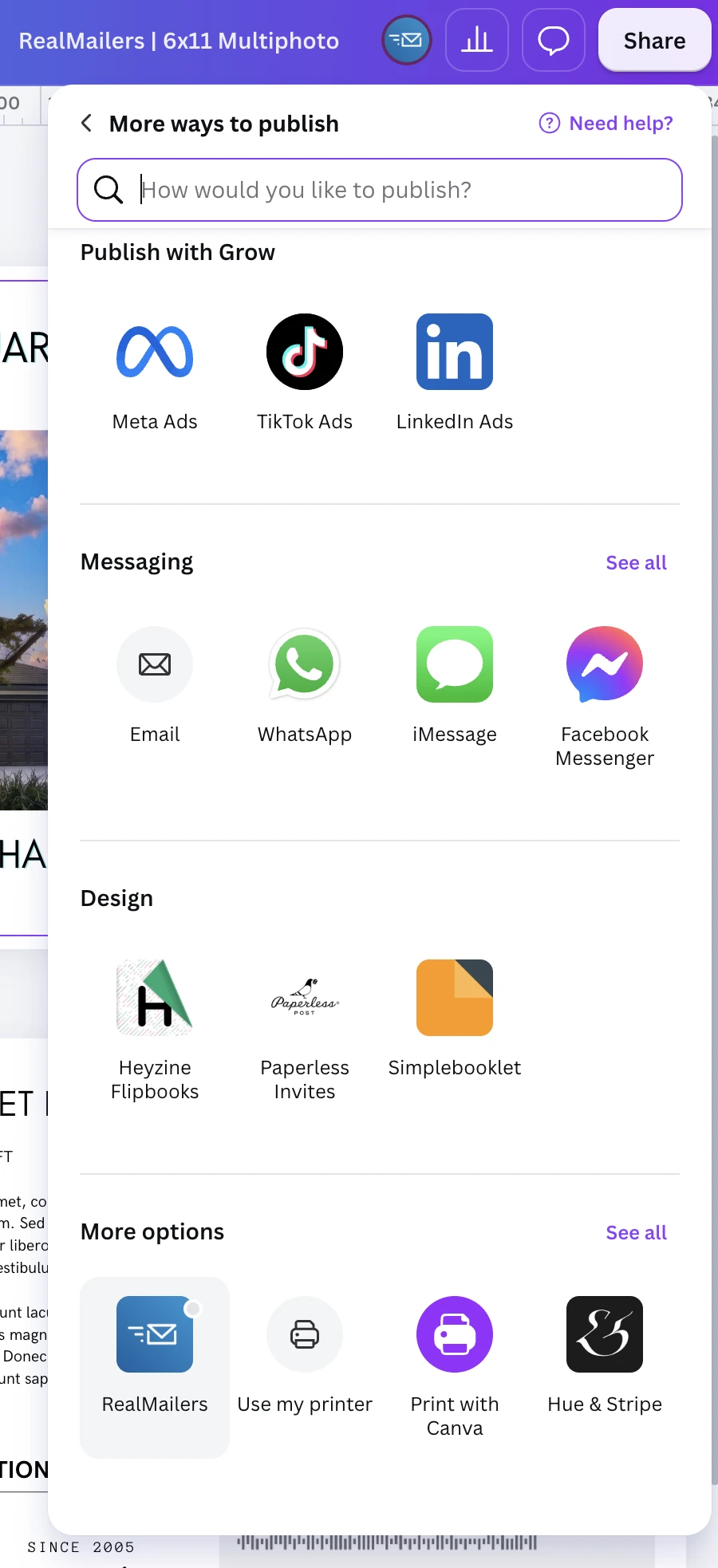
Alternatively, open Share, then More options, and choose RealMailers in Canva’s Publisher menu. You can send your finished design without first opening the RealMailers app.
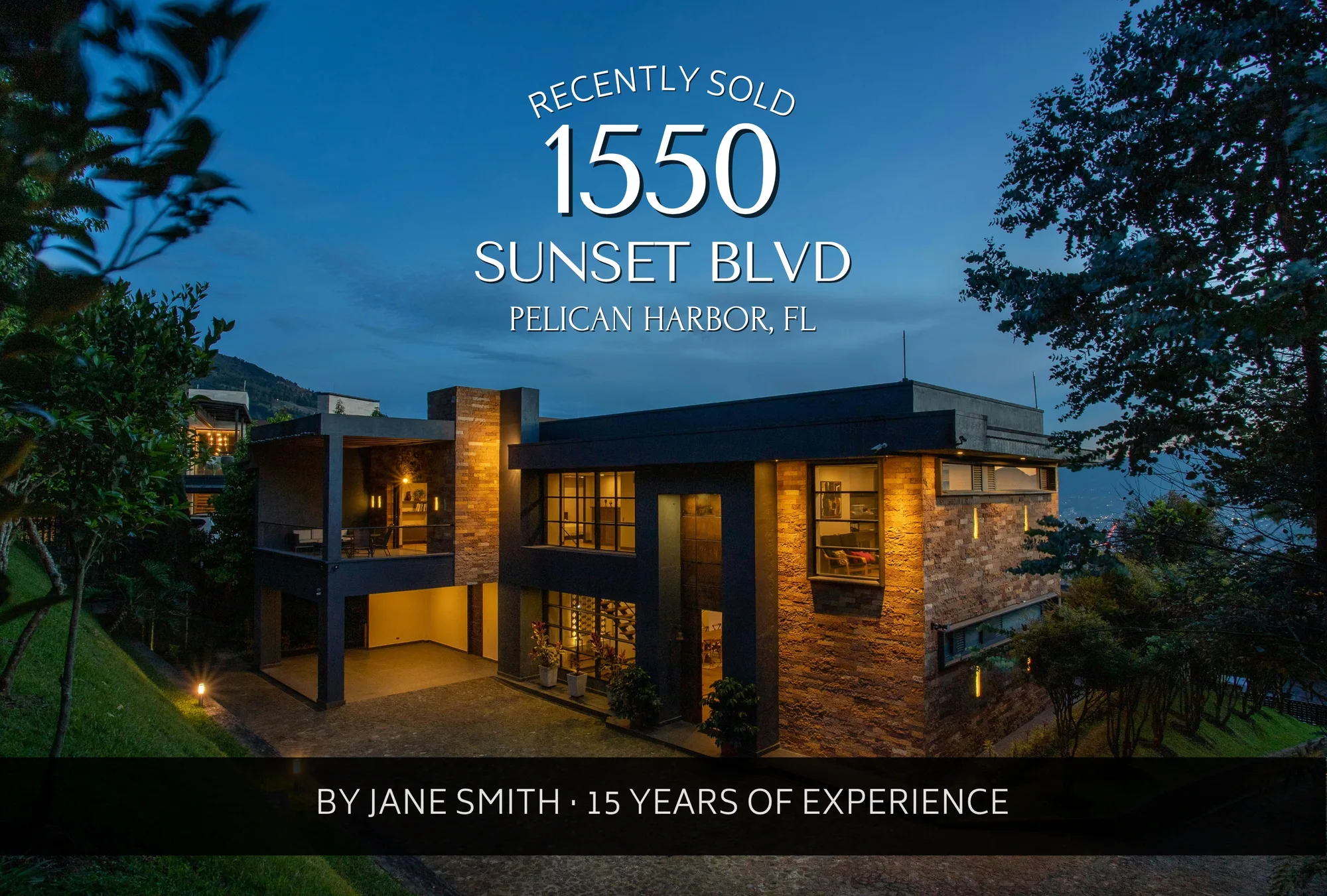
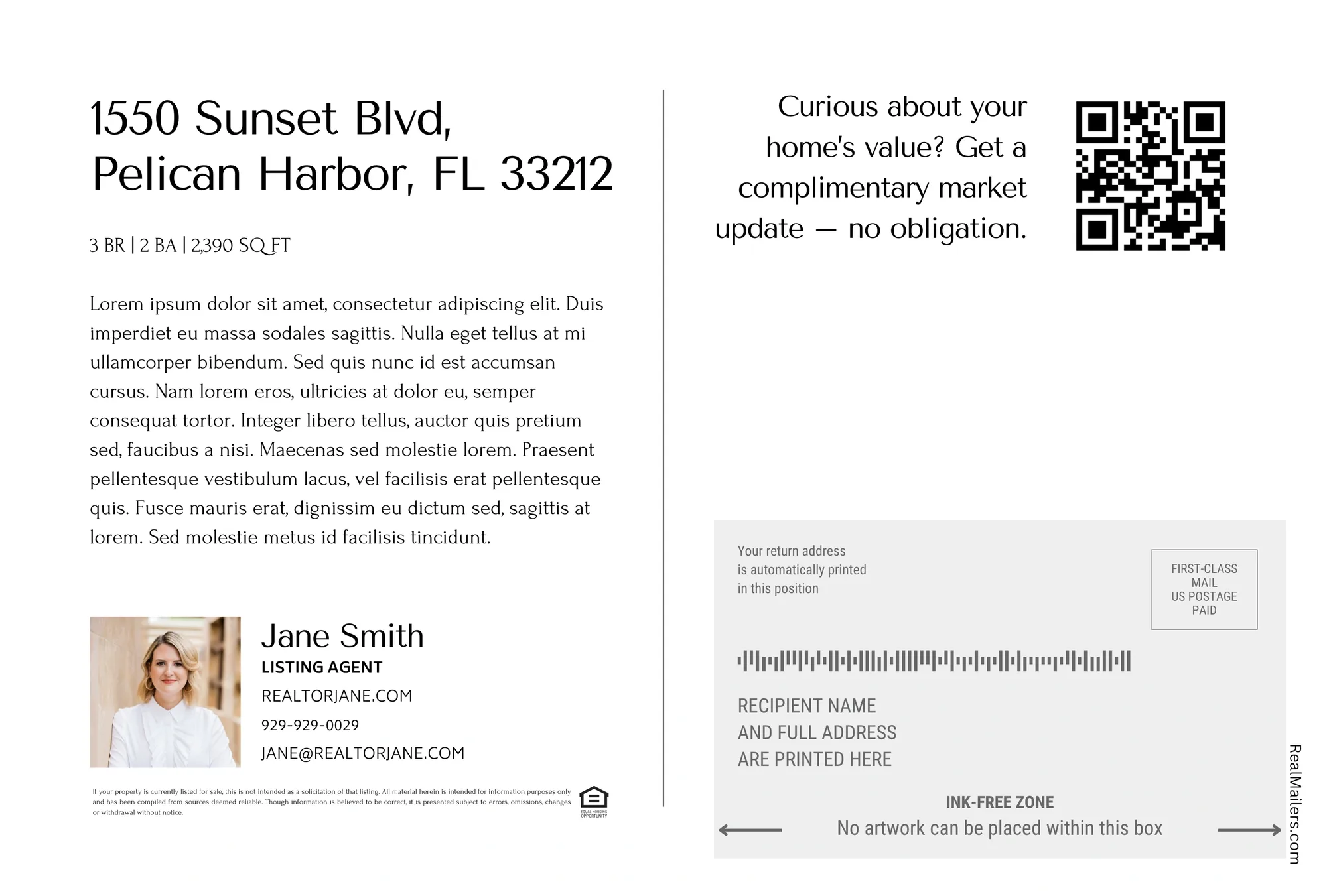
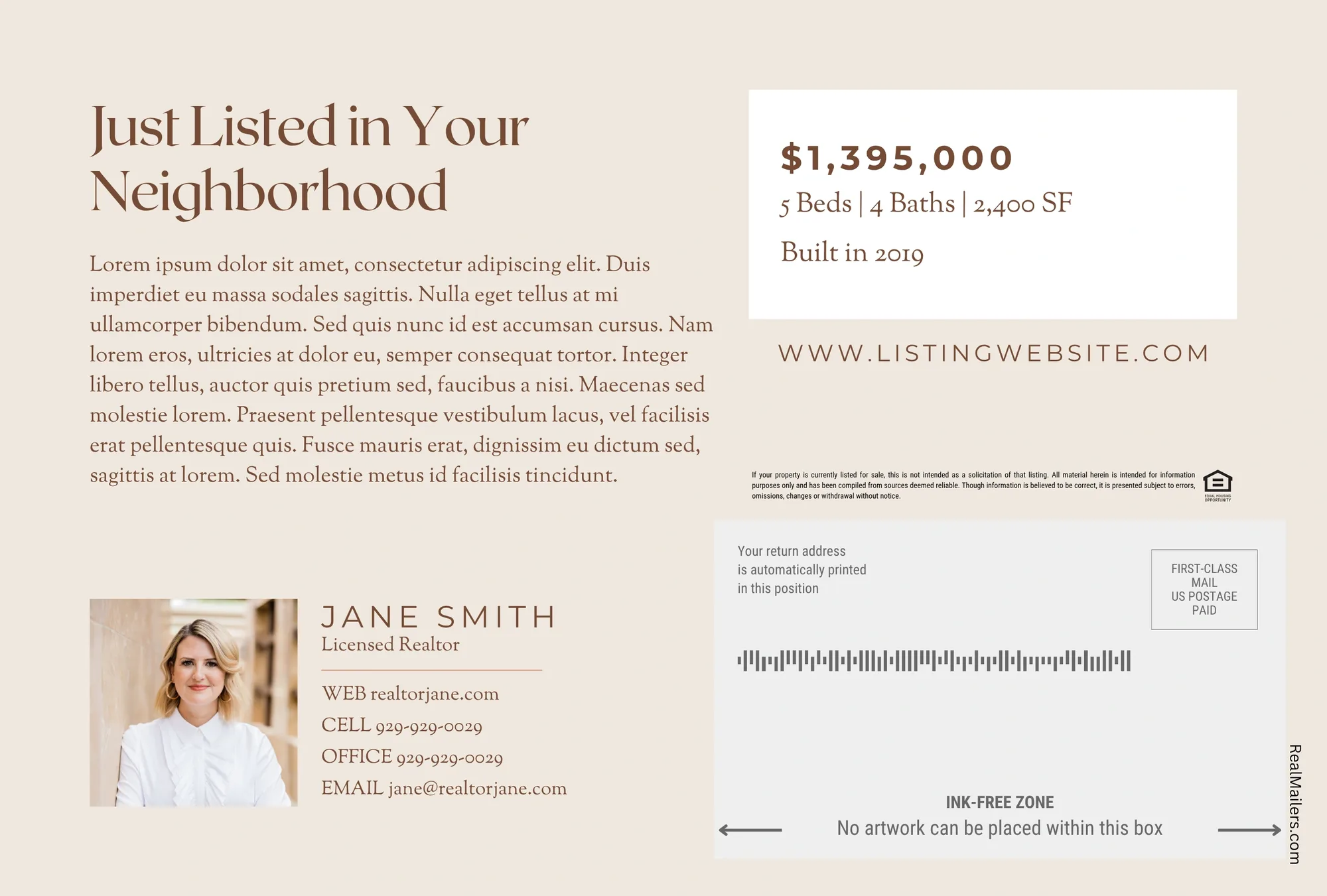
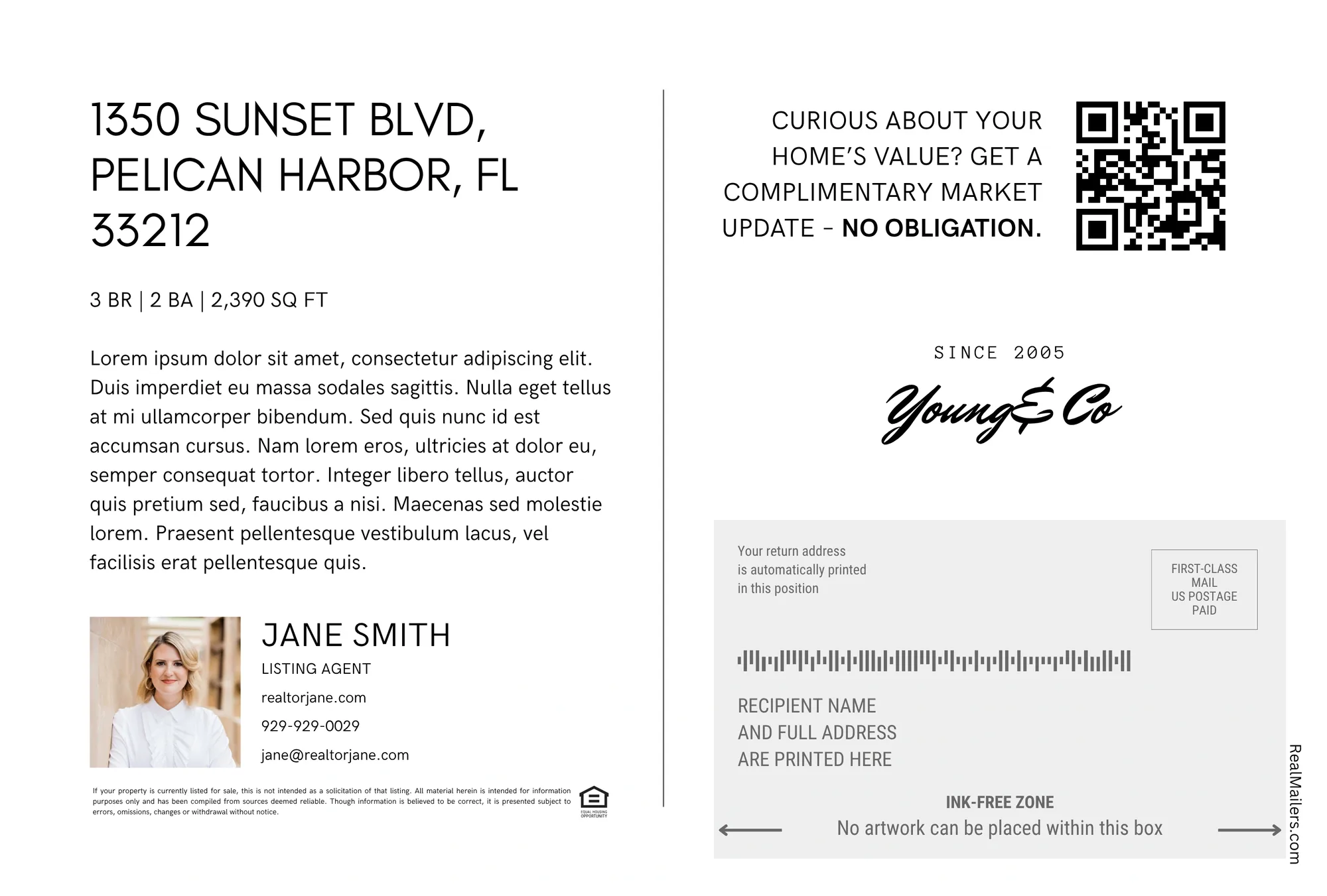
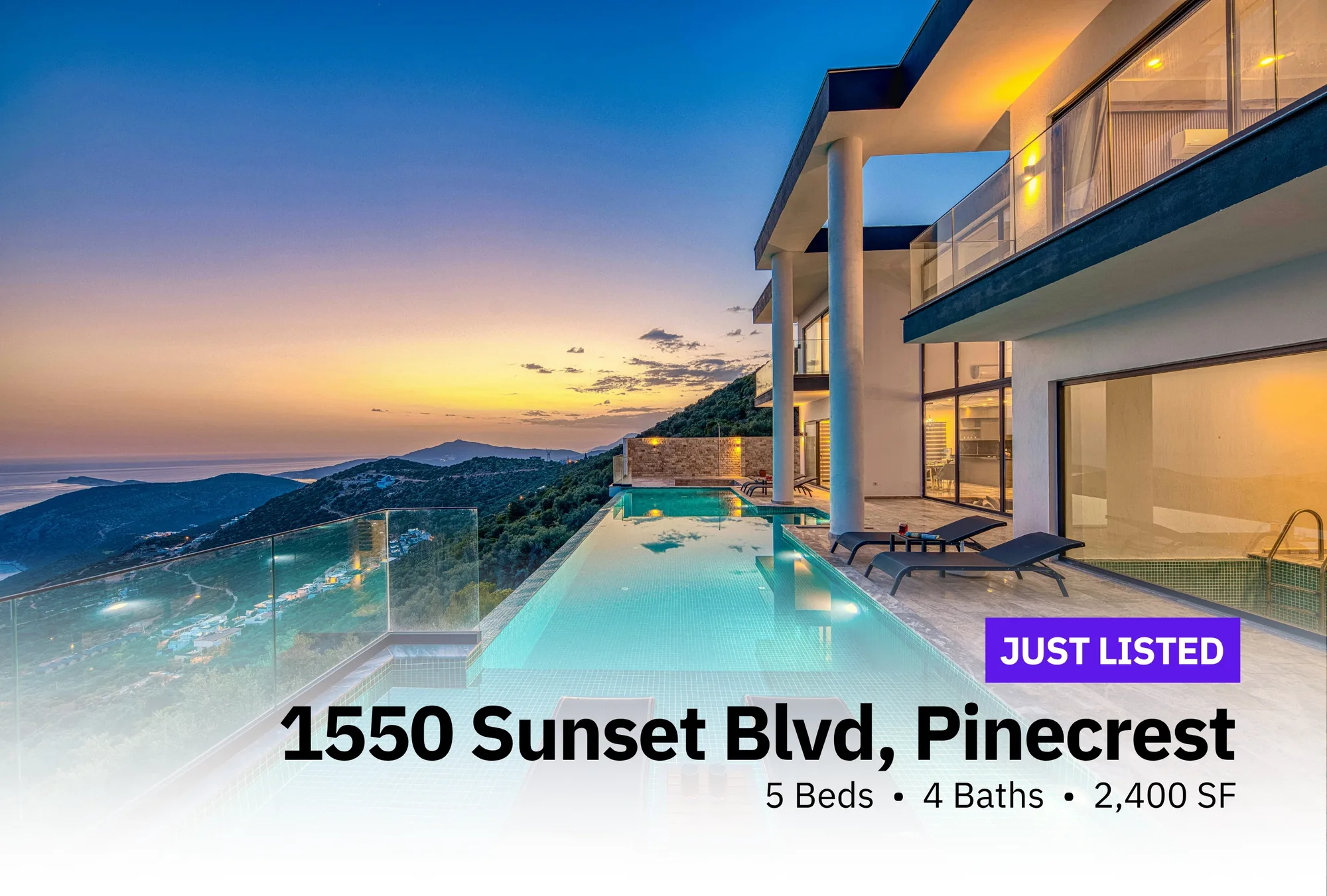
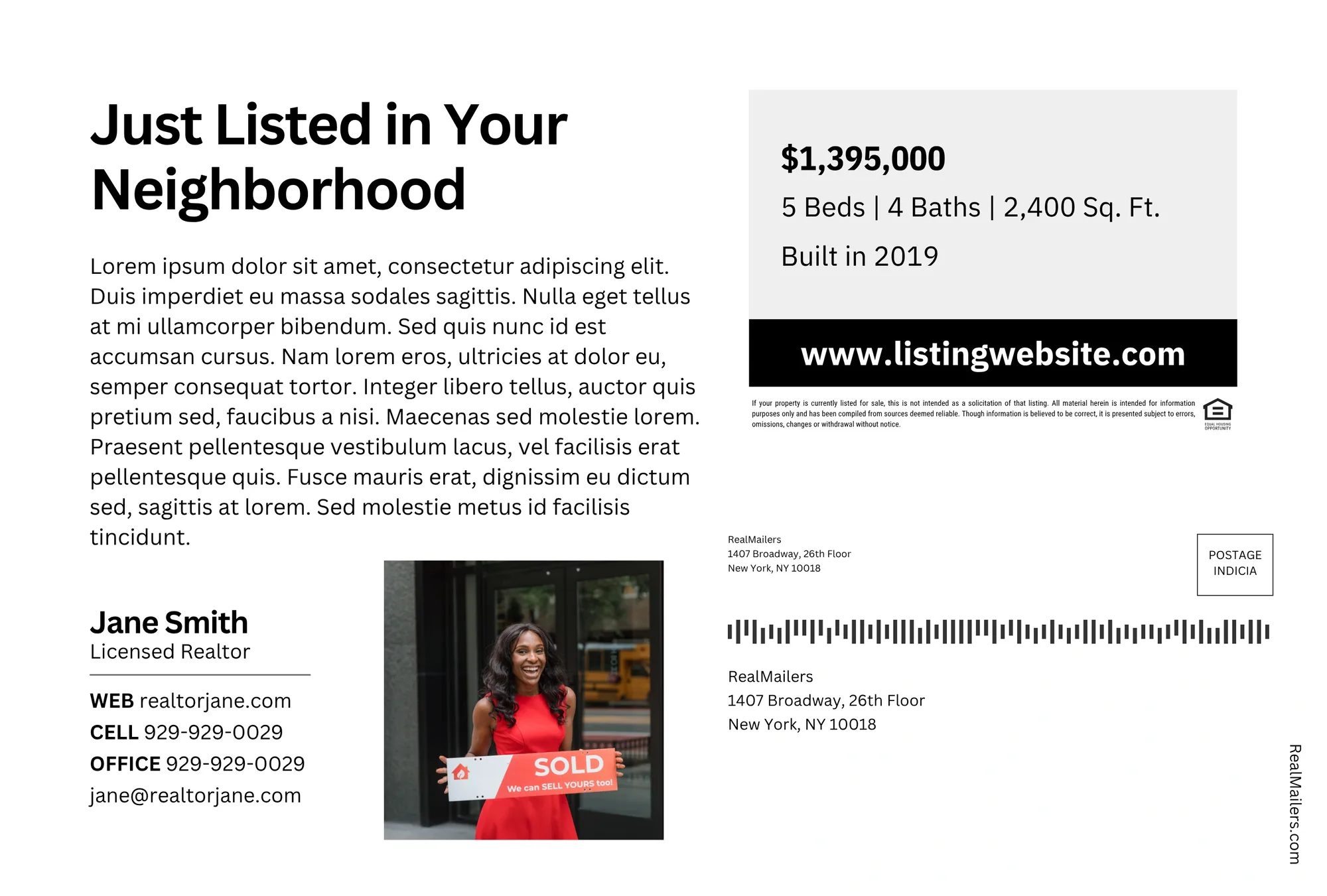
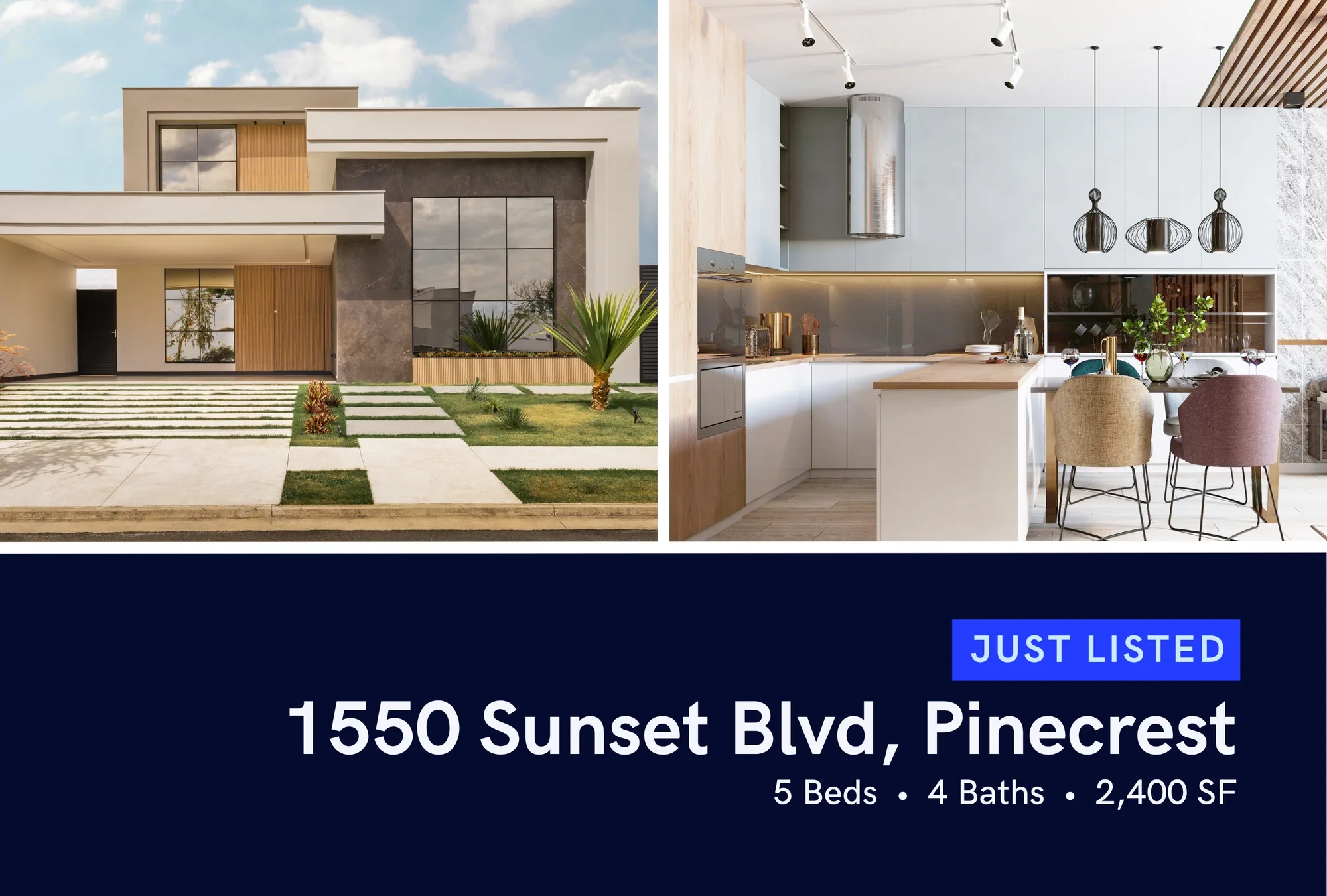
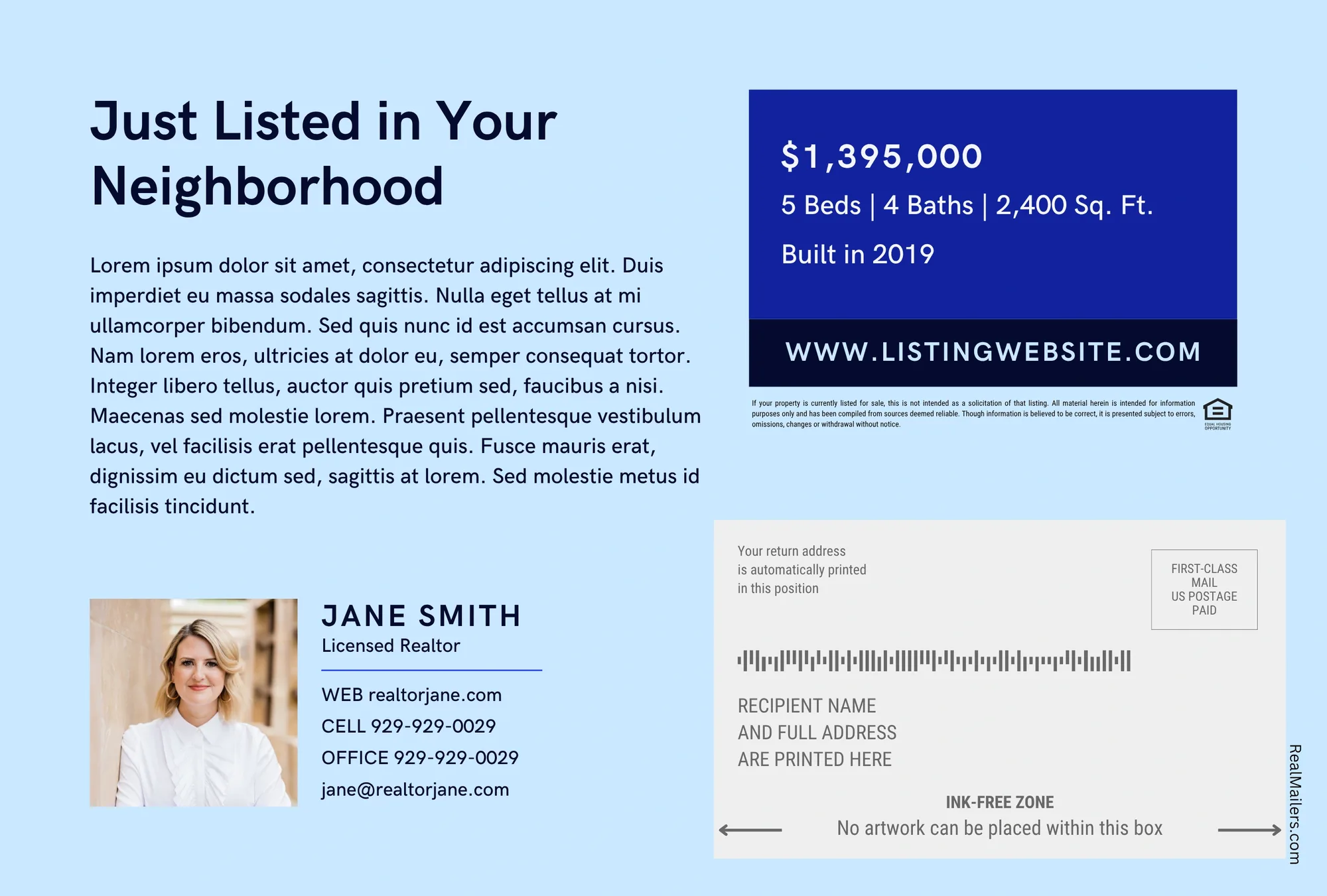
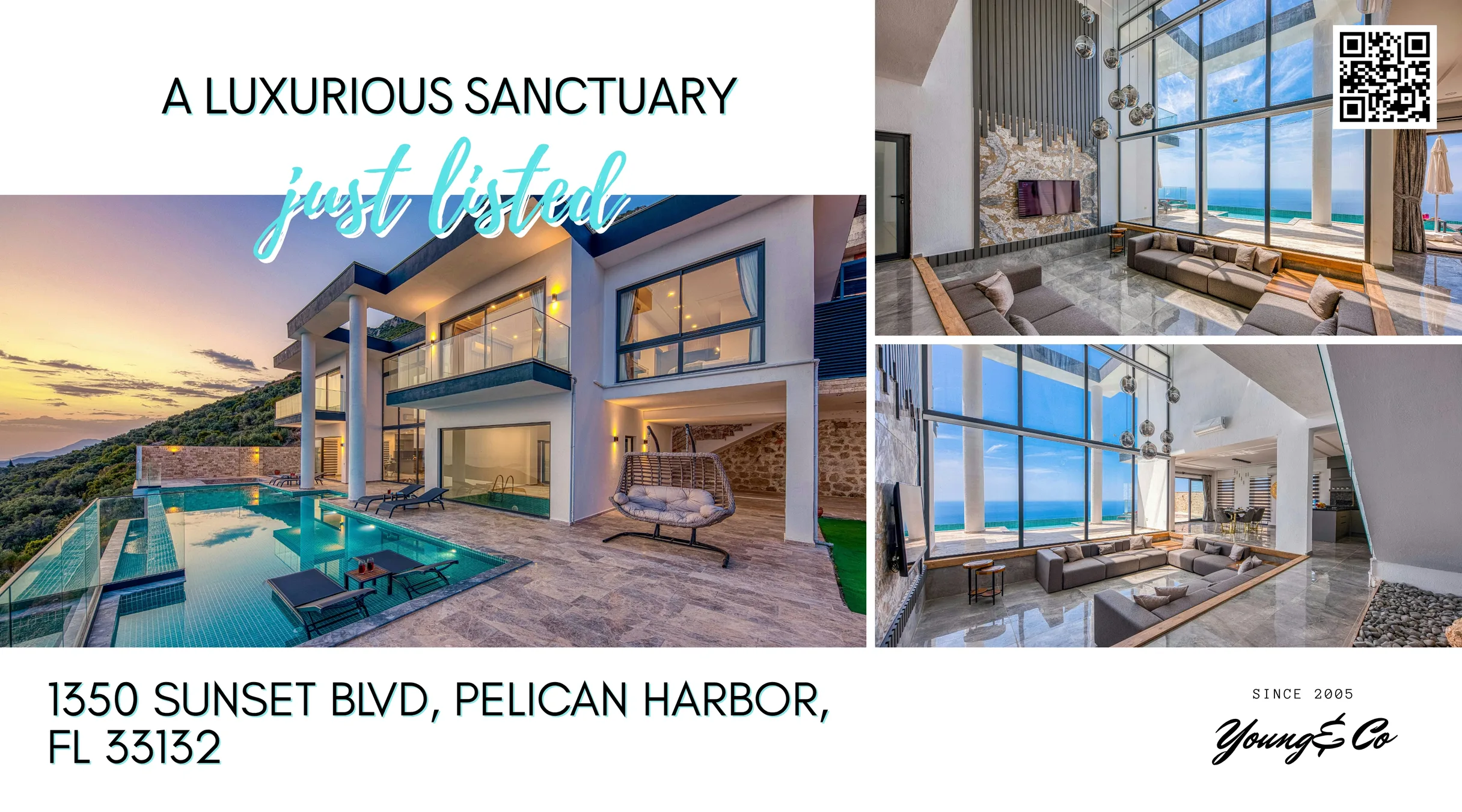
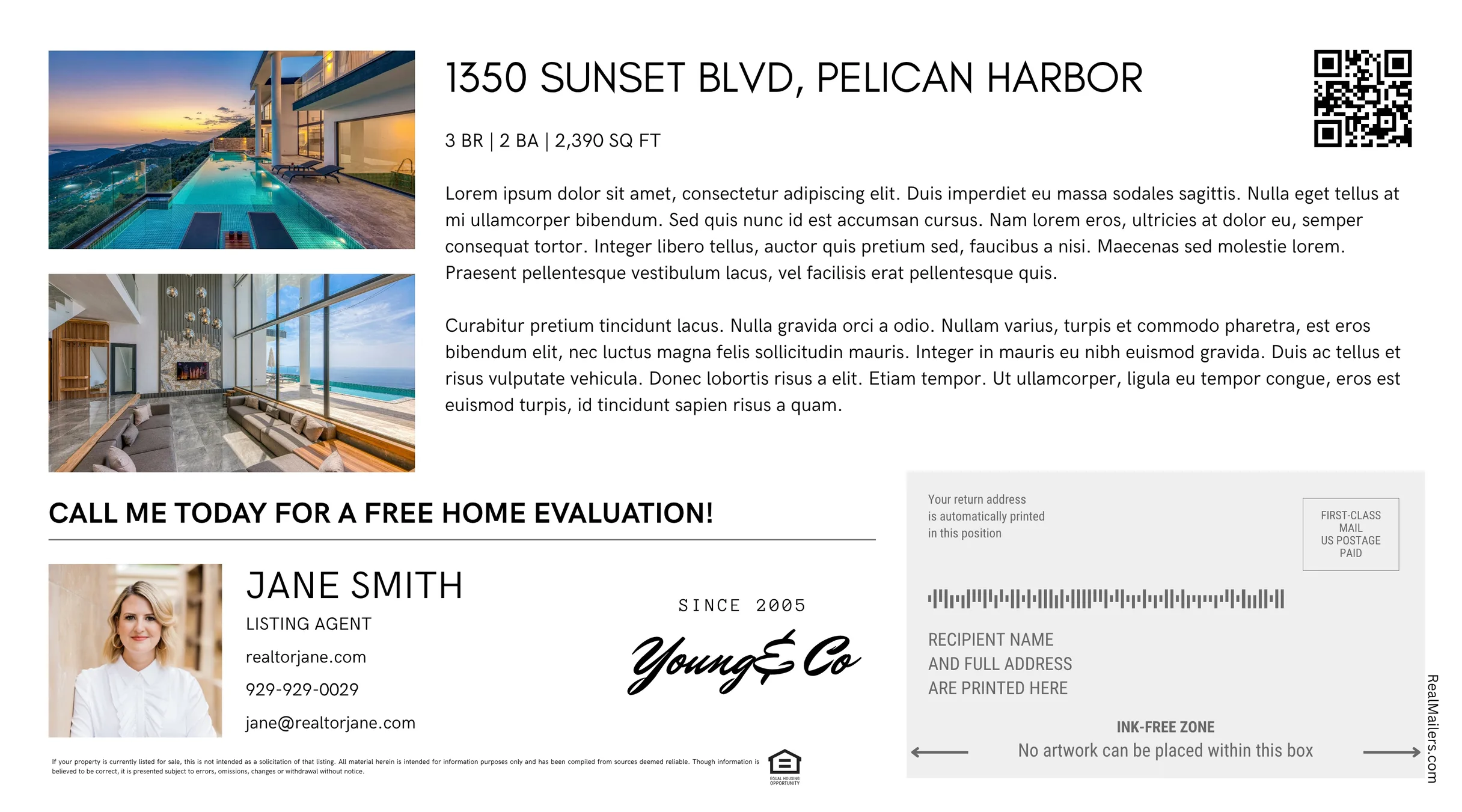
If your brokerage or MLS has a connected feed, the Listings tab brings your listing photos and text together in Canva. Use them in your branded templates without copying the address, retyping the price, or moving photos between windows.
Works with free Canva accounts. A connected listing feed is required.
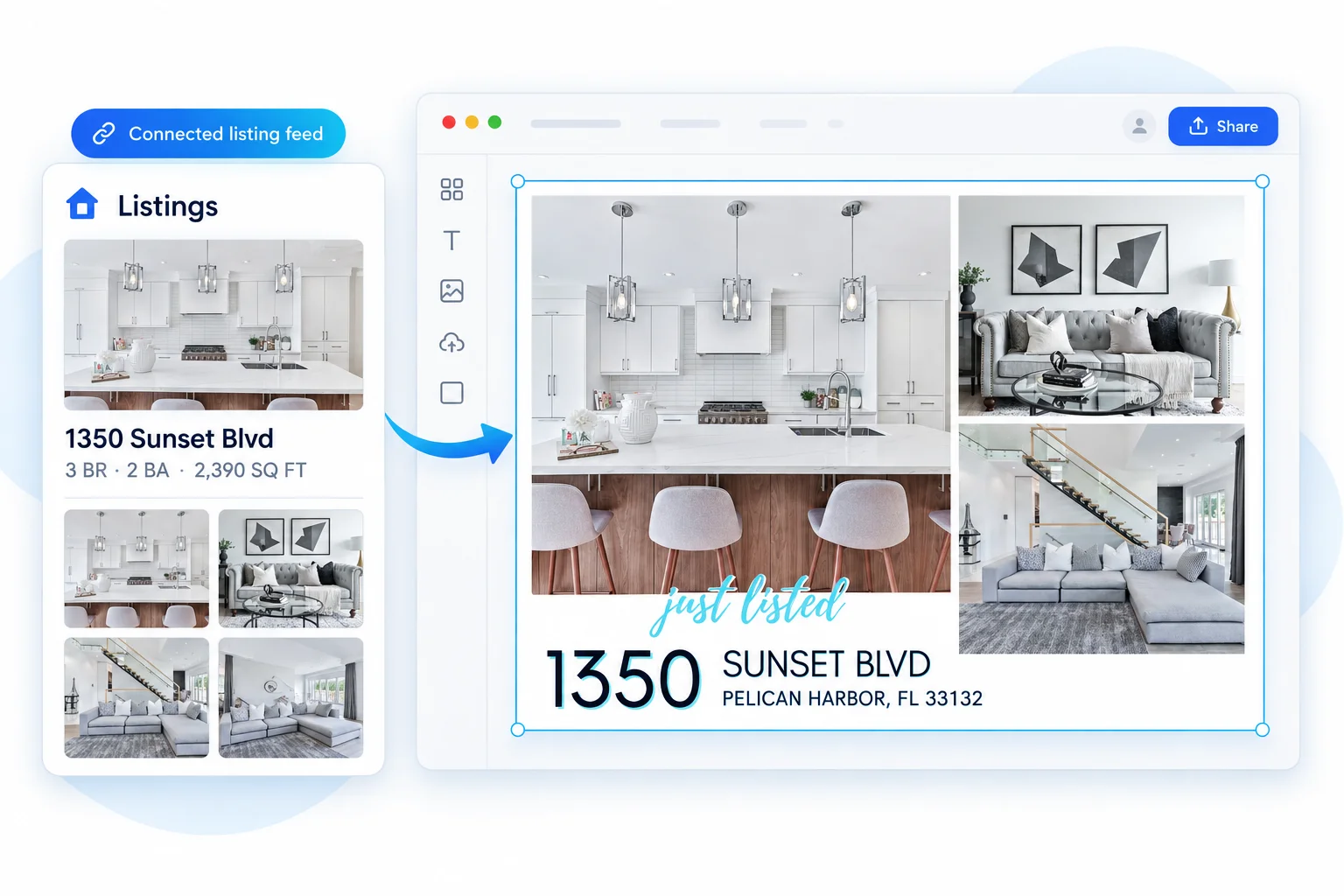
Your artwork is the starting point. RealMailers brings the audience and fulfillment together around it.
Use your familiar Canva tools and branded templates.
Select individual homes with map-based targeting and property filters, or upload your own list.
Review the campaign and launch it. Printing and postage are handled for you.
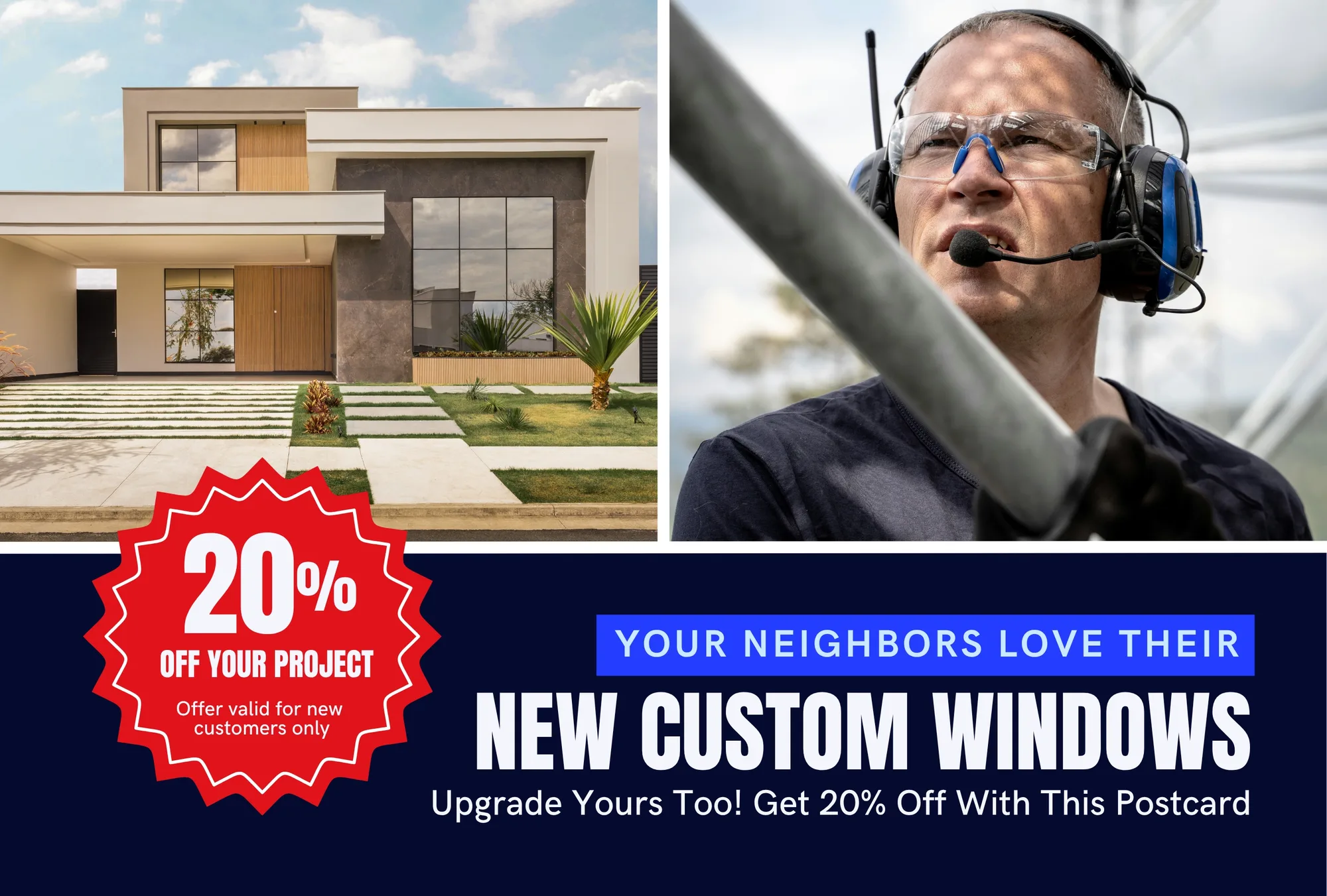
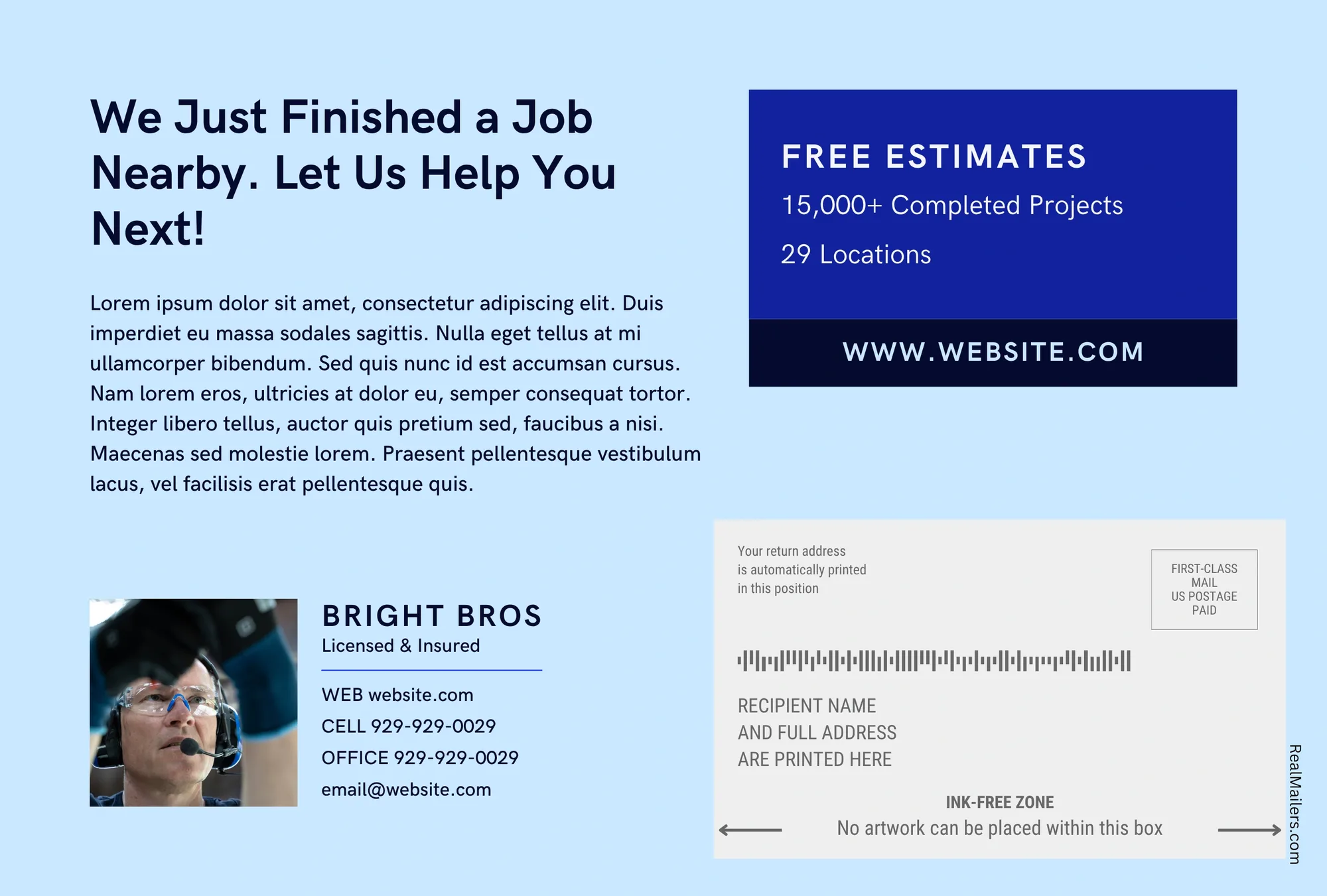
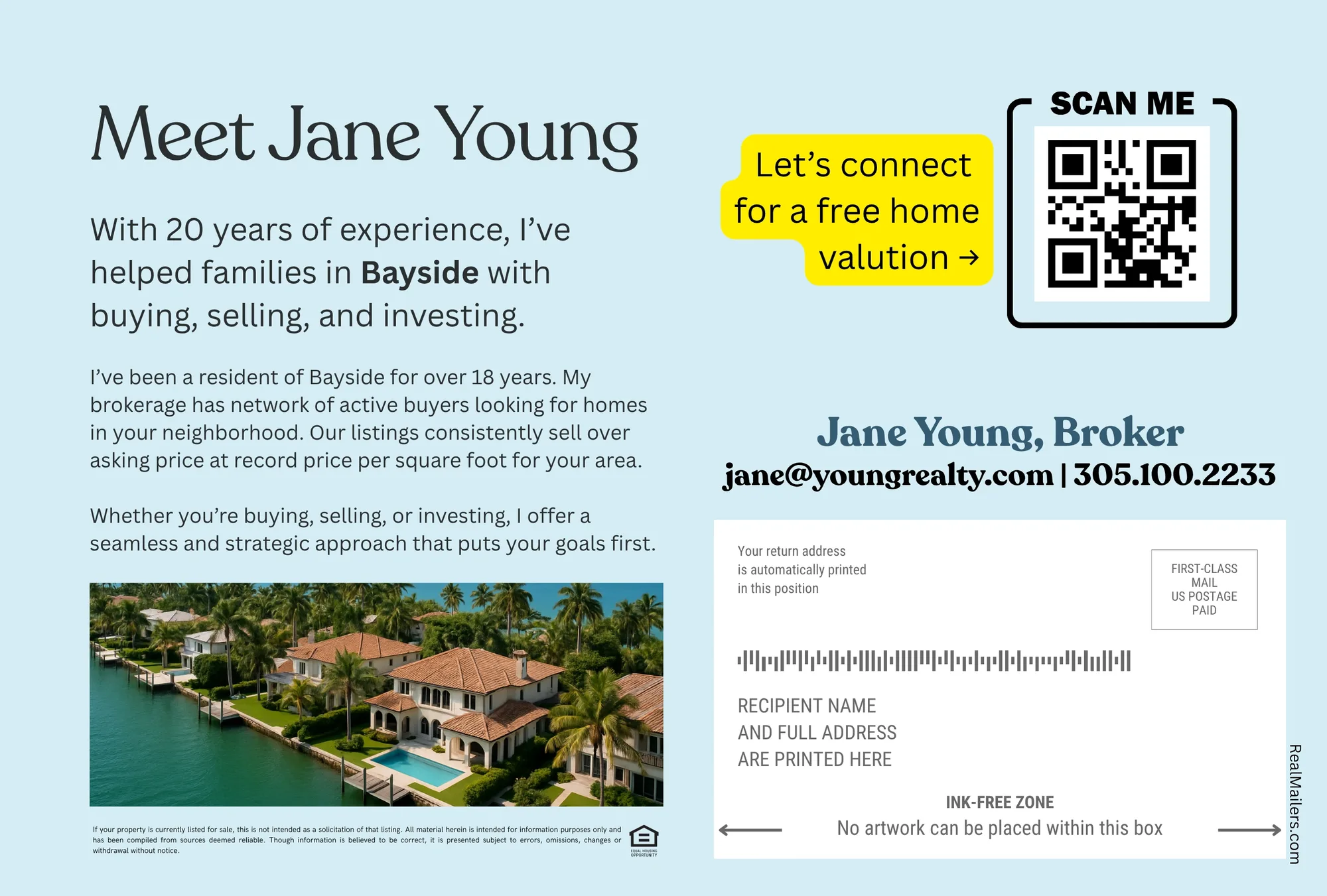
Choose a listing or local-business template, then make it your own. The same workflow works for agents, home services, and brokerage teams.


Keep your next campaign straightforward.
The connected listing-feed feature works with free Canva accounts. Canva’s own paid assets and other premium features may have separate requirements.
A brokerage or MLS with a connected listing feed. Your organization arranges the feed connection.
Yes. You can upload artwork or use a RealMailers template. The rest of the campaign follows the same design, targeting, and review process.
Estimated First-Class Mail delivery: 4–6 business days from campaign launch and payment, based on historical USPS timelines. Delivery dates are not guaranteed.