Auto-Fill a Canva Postcard from Your MLS Listing and Send with RealMailers
RealMailers connects directly to the Miami MLS so you can launch a listing postcard campaign without touching a single text field.
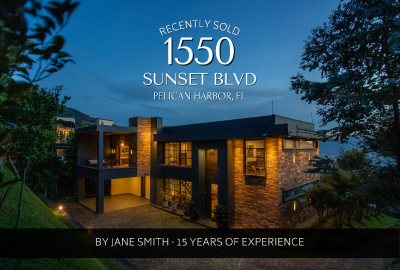
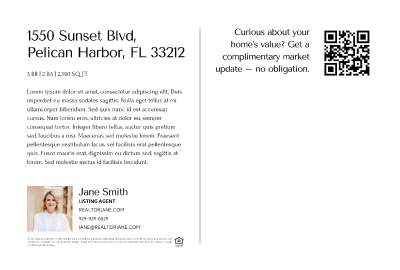
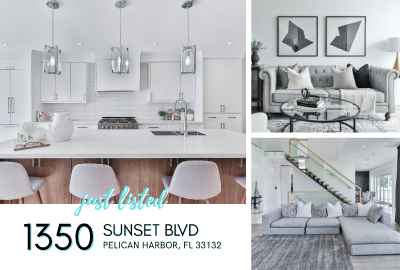
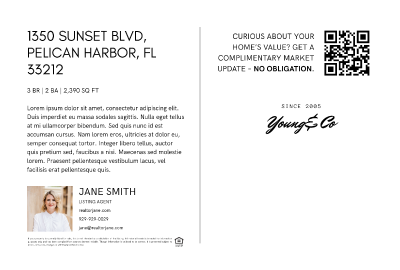
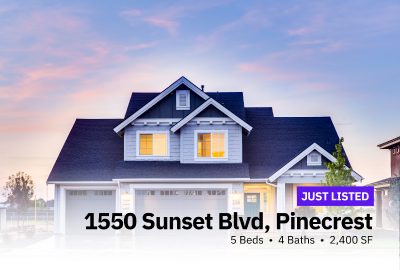
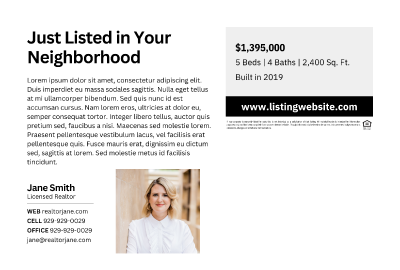
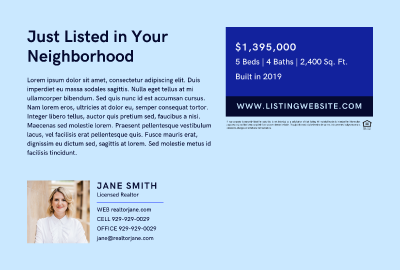
The templates below are pre-built for MiamiRE members inside the RealMailers Canva app. Each one is optimized for print and includes listing-specific placeholders for address, price, beds, baths, square footage, description, listing photos, and your agent profile – all fillable with one click directly from your MLS data.
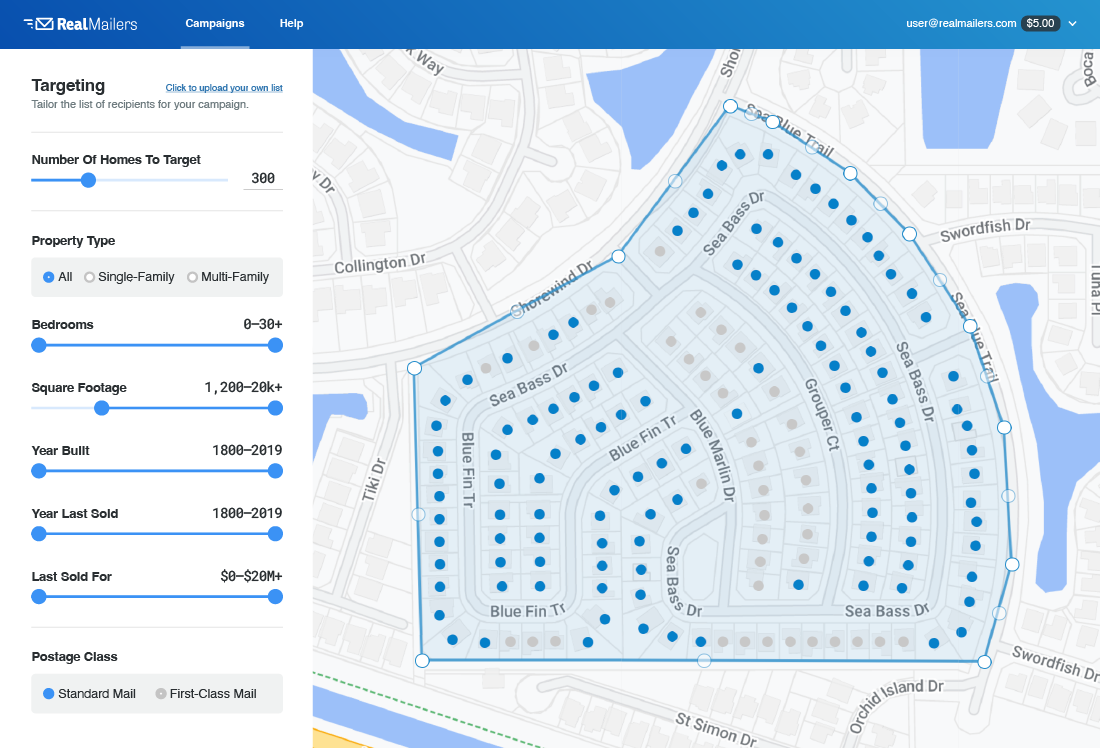
Here's how it works:
- Choose a template below – a personal copy opens automatically in Canva, ready to edit
- Open the RealMailers app – find it under Apps in the Canva left sidebar
- Click the Listings tab and find your listing – pulled live from the Miami MLS feed
- Click Auto Fill – address, price, beds, baths, sqft, description, and agent info populate instantly. Repeat for the back page
- Drag your listing photos into the photo placeholders
- Go to the Send tab – send the design to RealMailers to set your target area and launch
No exports. No uploads. No manual copy-paste. Pull a listing and have your postcard designed, targeted, and sent to print in minutes.
Try Our Free Canva Templates
The templates below are fully optimized for RealMailers. Just update the text and photos, then export and upload to RealMailers. Or send them back directly through our Canva App.